
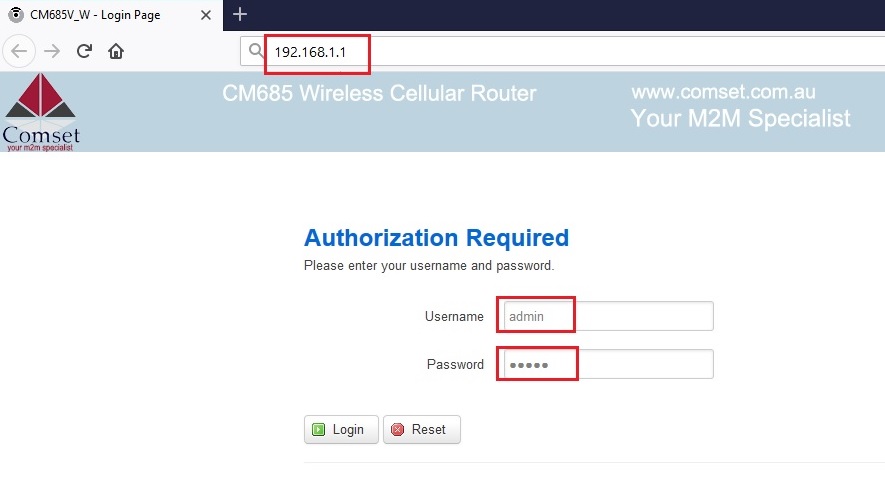
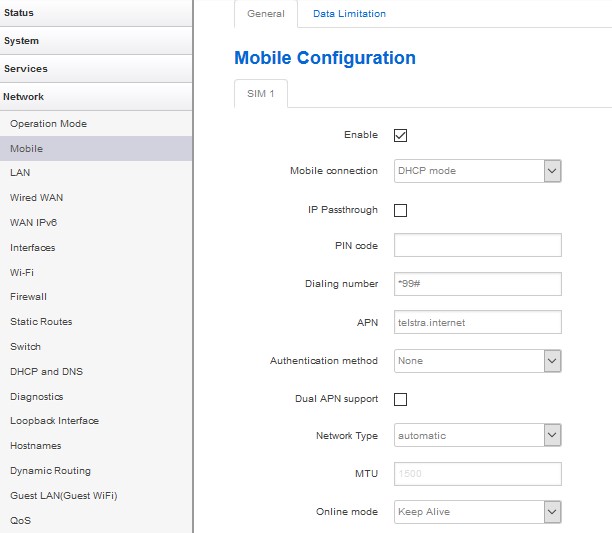
Find the router’s supported bands by checking the model’s technical specs or the admin interface: look for a Bands or LTE bands section in the device status or network settings. Verify your router firmware version supports those bands as described in the spec, since older firmware may not cover all carriers. Then obtain your SIM carrier’s frequency bands from their service documentation and compare the two lists to see if there’s a mismatch. If bands align but you still don’t get data, re-check APN provisioning and consider testing with a different SIM or router that explicitly supports the needed bands. If you want, share your model, firmware version and your carrier’s bands and I’ll help assess compatibility.
Public Q&A
How can I check which carrier bands the router supports and compare them to my SIM's bands?
Useful next steps
Use this answer as a practical starting point. Current scope, specifications, compatibility, availability, pricing, timing and next steps should be confirmed directly with Comset where they affect a decision.
Related Topics
Continue Through Related Topic Pages
Explore more topic pages connected to this answer.





Related visual examples
A short visual sample connected to this answer or its topic.