
Conversation Topic
Router Setup APN and Configuration
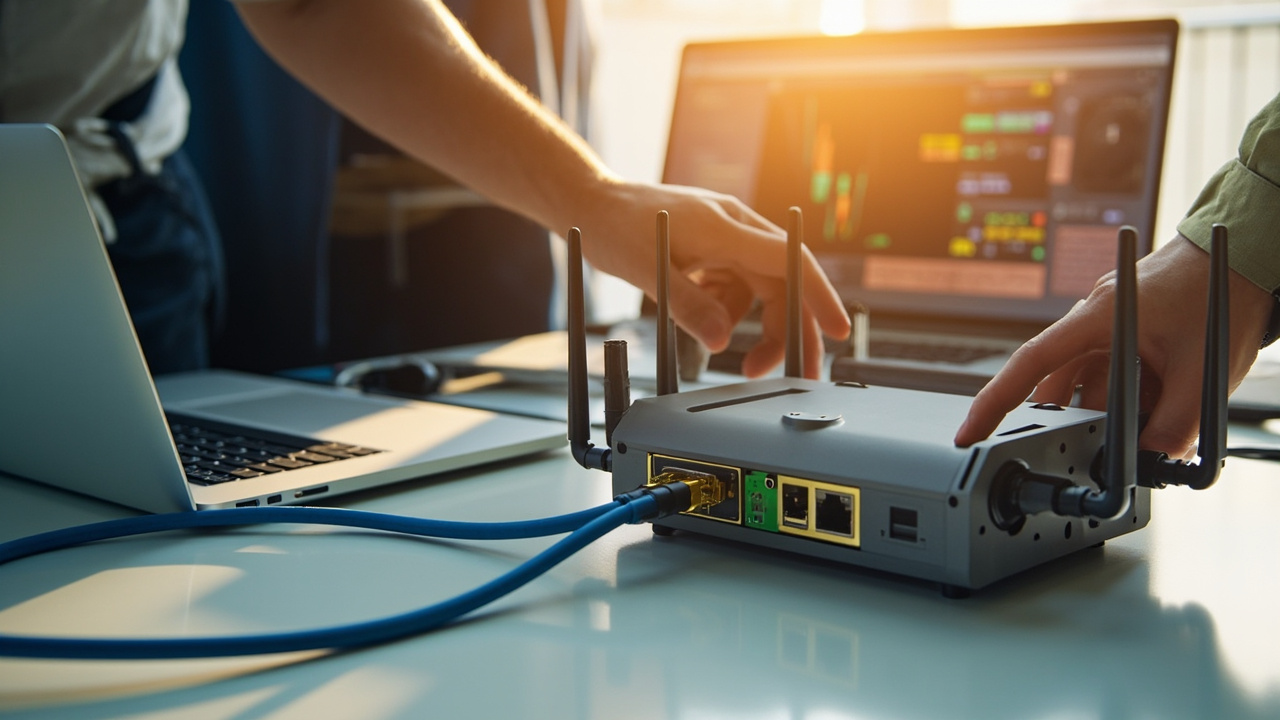
Start with the exact model manual, connect antennas before power, use the correct APN and save a known-good configuration.
Useful questions, comparisons, examples and next-step checks around Router Setup APN and Configuration.
Questions & Answers
Answers About Router Setup APN and Configuration
These answers organise the topic into practical checks, comparisons and useful research notes.
Insert and test the intended SIM, update only to an approved firmware version, change default credentials and save a configuration backup. Configure APN, time zone, WAN failover, dual SIM, LAN addressing, DHCP, VLANs, VPNs, alerts and remote-management access as required. Connect representative equipment and test every port, antenna, digital input or relay that will be used. Simulate WAN and mobile failures, verify recovery and confirm remote access from …
2026-07-06 What symptoms suggest that an incorrect APN is preventing a router from connecting?An incorrect APN may produce no data connection even though the router detects the SIM and shows mobile signal. The status page may show registration but no assigned IP address, repeated connection attempts, authentication errors or a connection that cannot reach the internet or private service. Check the carrier’s exact APN, username, password, authentication type and whether the SIM is intended for a public, corporate or private service. Remove accident…





Visual Examples
Images That Support Router Setup APN and Configuration
A small visual sample connected to this topic.