
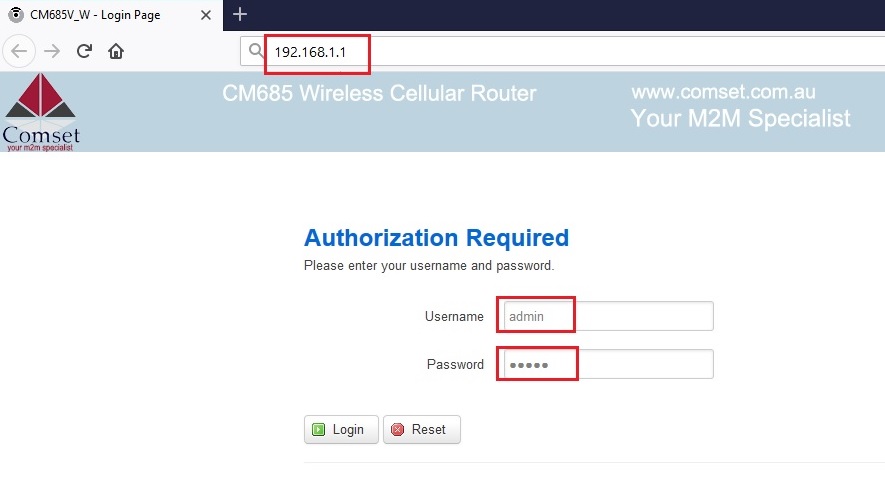
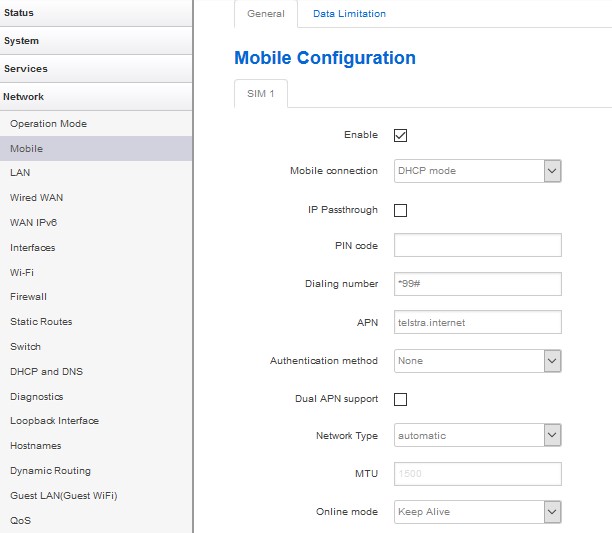
Start by confirming the SIM is active and provisioned for data, and try the SIM in a known-good device to verify service. If the SIM works in a phone but not in the router, focus on provisioning vs configuration. Check the APN details the router is using and whether automatic APN detection is pulling consumer settings; verify the SIM is not PIN-locked and that the service type (public, private or corporate) matches what the router expects. If there is still no data, compare the network details shown by the phone with the router’s status to identify where the mismatch lies.
Public Q&A
How can I tell if the issue is SIM provisioning or router settings?
Useful next steps
Use this answer as a practical starting point. Current scope, specifications, compatibility, availability, pricing, timing and next steps should be confirmed directly with Comset where they affect a decision.
Related Topics
Continue Through Related Topic Pages
Explore more topic pages connected to this answer.





Related visual examples
A short visual sample connected to this answer or its topic.