
Conversation Topic
Choosing an Industrial Router
Work backwards from the site, devices, network coverage, uptime target and management needs before choosing a router.
Useful questions, comparisons, examples and next-step checks around Choosing an Industrial Router.

Questions & Answers
Answers About Choosing an Industrial Router
These answers organise the topic into practical checks, comparisons and useful research notes.
Plan a controlled test window and simulate a primary-link outage to observe how traffic shifts to the cellular path. Check whether critical devices and VPN access stay reachable during the switch, and note any brief interruption. Review the router's failover logic, examine the event logs, and verify that services return to the primary link cleanly when it’s back online. Include VPN continuity and capture timestamps/outcomes so you can tune settings before …
2026-10-22 What level of site detail helps you tailor the best deployment?We tailor deployments from a practical site picture, not just a model spec. Share the job the router must do, the site address, and which mobile networks actually work there. Include whether the installation will sit fixed or move, and whether you’ve tested 4G or 5G coverage. For a baseline, also provide what devices will connect and the required interfaces (Ethernet, Wi‑Fi, serial, GPIO or relays), expected data usage, and whether inbound remote access is…
2026-10-14 How do I decide between backup-only and full-time internet for our site?Whether you need backup-only or full-time internet depends on how critical the connection is. If outages would stop cameras, alarms, EFTPOS or other essential services, you’ll want a router designed for permanent operation with automatic failover and remote management. If the fixed service is usually reliable and outages are brief, a backup-only setup that automatically takes over can be enough. A practical way to decide is to map your uptime needs and lis…
 5 Q&A
Serial GPIO and Relay Integration
5 Q&A
Serial GPIO and Relay Integration
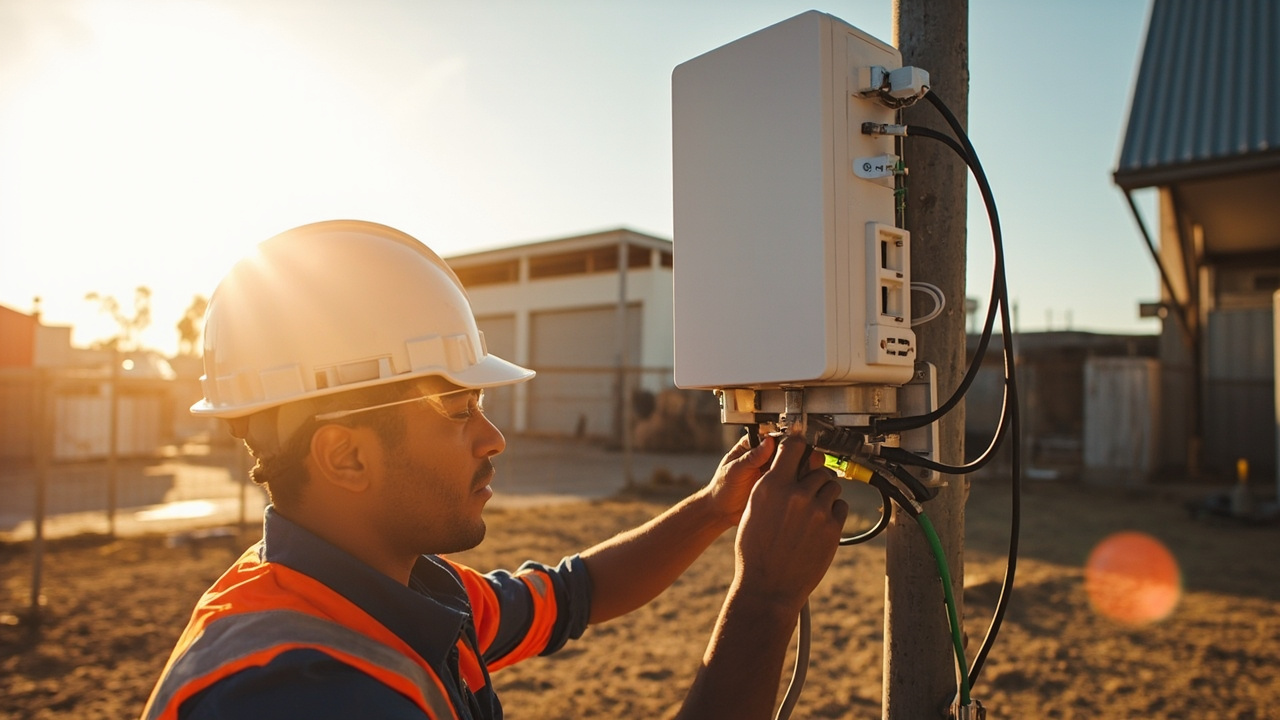 3 Q&A
Power over Ethernet Deployments
3 Q&A
Power over Ethernet Deployments
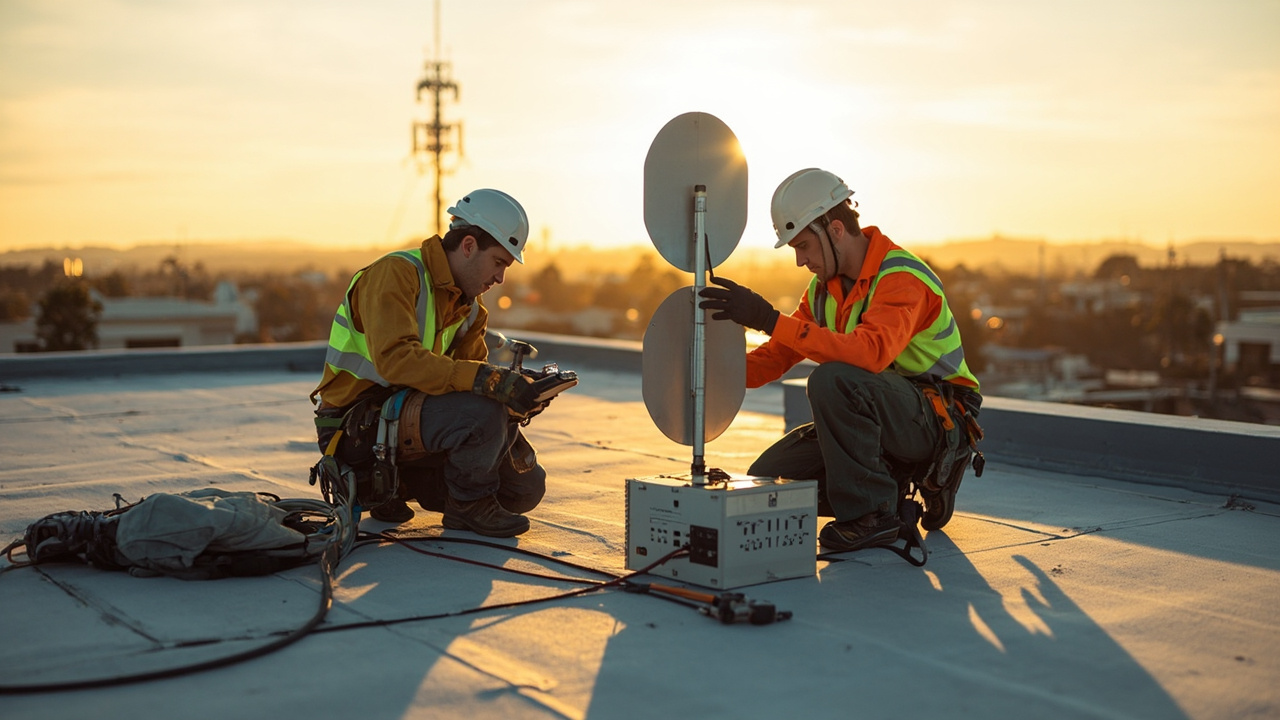 5 Q&A
Cellular Antennas and MIMO
5 Q&A
Cellular Antennas and MIMO
 3 Q&A
Antenna Placement and Coaxial Cable Loss
3 Q&A
Antenna Placement and Coaxial Cable Loss
 15 Q&A
Cell Tower Location and Signal Testing
15 Q&A
Cell Tower Location and Signal Testing
Here's a practical checklist you can use to tell if the problem is the router, the antenna, or both. Start with the baseline: keep the same SIM, test at the same site/location, and use the same devices so the results are comparable; then compare by swapping components in a controlled way: 1) verify the baseline by checking that the router registers and maintains a data path with the current antenna; 2) swap in a known-good antenna (same cable length and mo…
2026-09-19 What minimum details should I provide to get a useful baseline plan?Even if you can't share every detail, you can still get a useful baseline plan by supplying what you can and clearly noting gaps. Give us: the job the router must do, the site address or rough location for testing, every device that must connect, required interfaces (Ethernet, Wi-Fi, serial, GPIO/relay), expected data use, available power and enclosure, operating temperature, uptime needs, who will manage the unit, how many similar units you expect, and wh…
2026-09-09 What exact tests or measurements should I run on-site to compare results?On-site testing should focus on isolating variables and capturing comparable metrics. Use the router’s status page to record signal strength and connection stability, plus observed data throughput for each configuration. When swapping a known-good antenna, test at the same location with the same cable length and mounting setup, and document the before/after results. Repeat tests with the same router and a different antenna, then swap back to confirm repeat…
 5 Q&A
Australian Carrier Bands and Compatibility
5 Q&A
Australian Carrier Bands and Compatibility
 14 Q&A
Router Comparison and Model Selection
14 Q&A
Router Comparison and Model Selection
 10 Q&A
Machine-to-Machine and IoT Connectivity
10 Q&A
Machine-to-Machine and IoT Connectivity
 11 Q&A
Industrial Automation Connectivity
11 Q&A
Industrial Automation Connectivity
 3 Q&A
Building Automation Connectivity
3 Q&A
Building Automation Connectivity
That happens a lot. You can still get a useful recommendation by sharing what you can and clearly noting any gaps. We’ll propose a baseline solution and a plan to firm it up once more information is available. Focus on must-haves: the required interfaces, power and uptime needs, and the site address or rough location for carrier testing. We can sketch a starter model and deployment plan, then tighten it up as details come in.
2026-08-24 How long does the failover take, and will active sessions drop?Failover behavior depends on the exact model and configuration. A router with automatic WAN-to-cellular failover will switch traffic to the cellular path when the fixed NBN link is lost, and switch back when it returns. The timing and smoothness depend on the hardware, firmware and health-check settings you enable, so it can be effectively seamless or involve a brief interruption. Active sessions may be briefly interrupted during the switch unless you conf…
2026-08-18 How can I test the antenna and router separately on site?Test changes one variable at a time to isolate the fault. Try using a known-good antenna with the existing router to see if performance improves, or take a known-good antenna to another router to compare results. Use the status page to compare signal strength and connection stability under each configuration, and document what changes when you swap components. This helps determine whether the problem is the antenna, the router, or how they’re installed.
 10 Q&A
Security and Surveillance Connectivity
10 Q&A
Security and Surveillance Connectivity
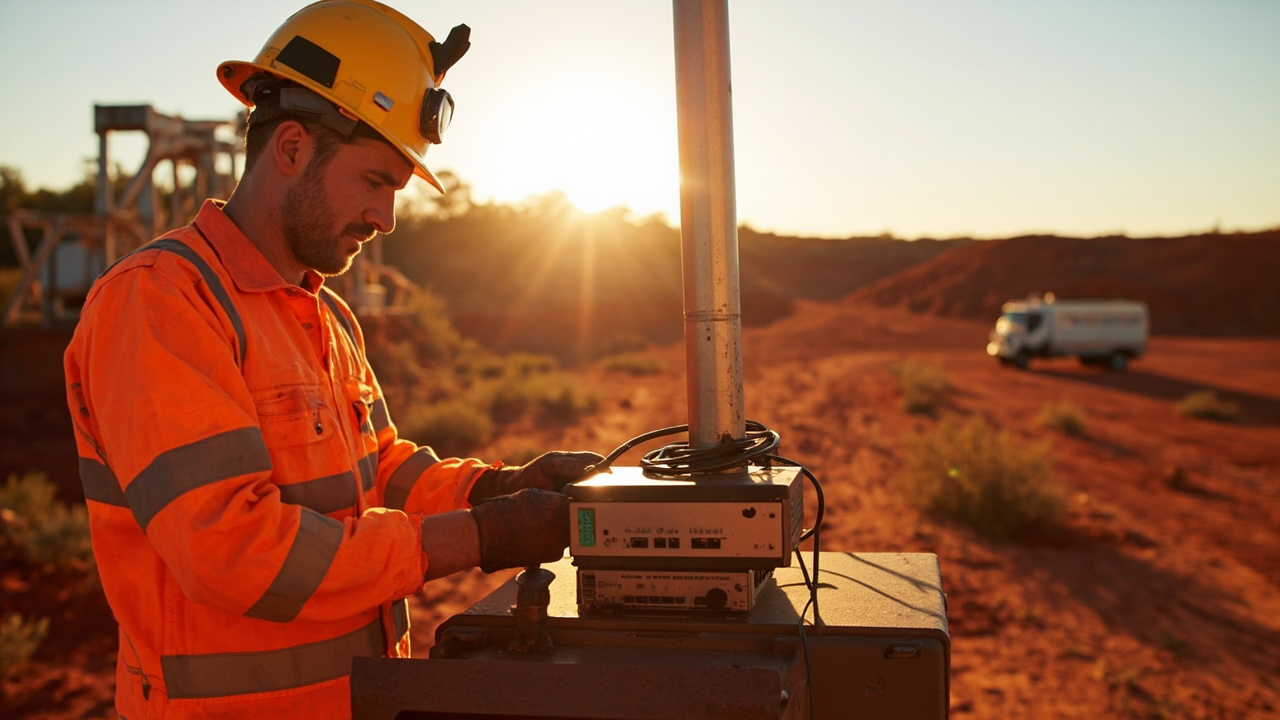 3 Q&A
Mining Energy and Remote Sites
3 Q&A
Mining Energy and Remote Sites
 5 Q&A
Transport Fleet and Mobile Deployments
5 Q&A
Transport Fleet and Mobile Deployments
 6 Q&A
Marine and Vessel Connectivity
6 Q&A
Marine and Vessel Connectivity
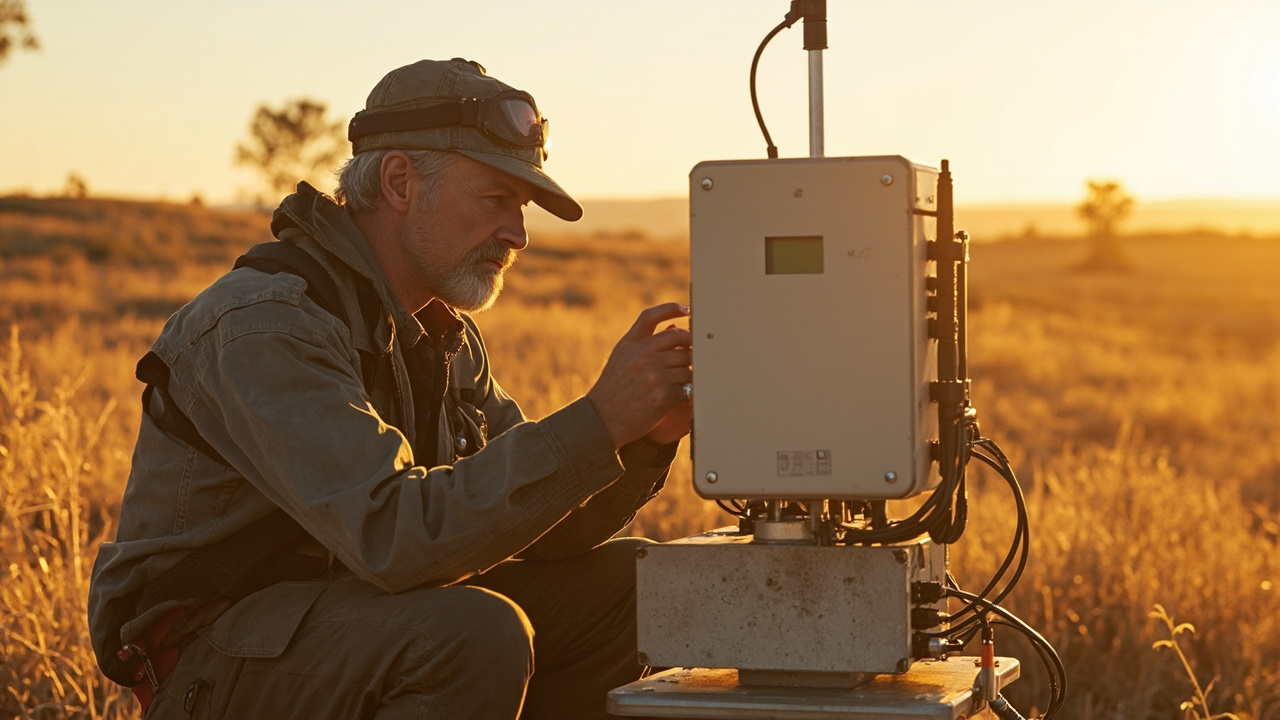 4 Q&A
Environmental and Agricultural Monitoring
4 Q&A
Environmental and Agricultural Monitoring
Warning signs around Choosing an Industrial Router include vague or changing explanations, pressure to decide quickly, missing documents, unclear responsibilities, unsupported promises and important details that are not confirmed in writing. Pause when the evidence does not match the description or when nobody accepts responsibility for resolving a problem. A practical starting point for matching an industrial cellular router to the required network, inter…
2026-07-12 I only need internet at a shed, workshop or small farm building. Do I really need an industrial router?Not every job needs the heaviest industrial platform, but many remote sheds and workshops do need something more robust than a domestic hotspot. The real questions are how reliable the connection must be, whether the unit will sit unattended, what temperature and dust levels are like, and whether the installation may need an external antenna or backup SIM. Once a router is expected to stay on all year, run cameras or monitoring devices, or survive a harshe…
2026-07-12 What is the difference between the router and the antenna, and how do I know which one is the real problem?The router is the brains of the connection. It holds the SIM, manages the network and provides the local interfaces such as Ethernet, Wi-Fi, VPN, serial or GPIO. The antenna is there to help the router hear and transmit the mobile signal more effectively. A weak connection can be caused by either side: the router may not suit the job, or the router may be fine but the antenna position, cable length or carrier choice may be wrong. That is why Comset normal…




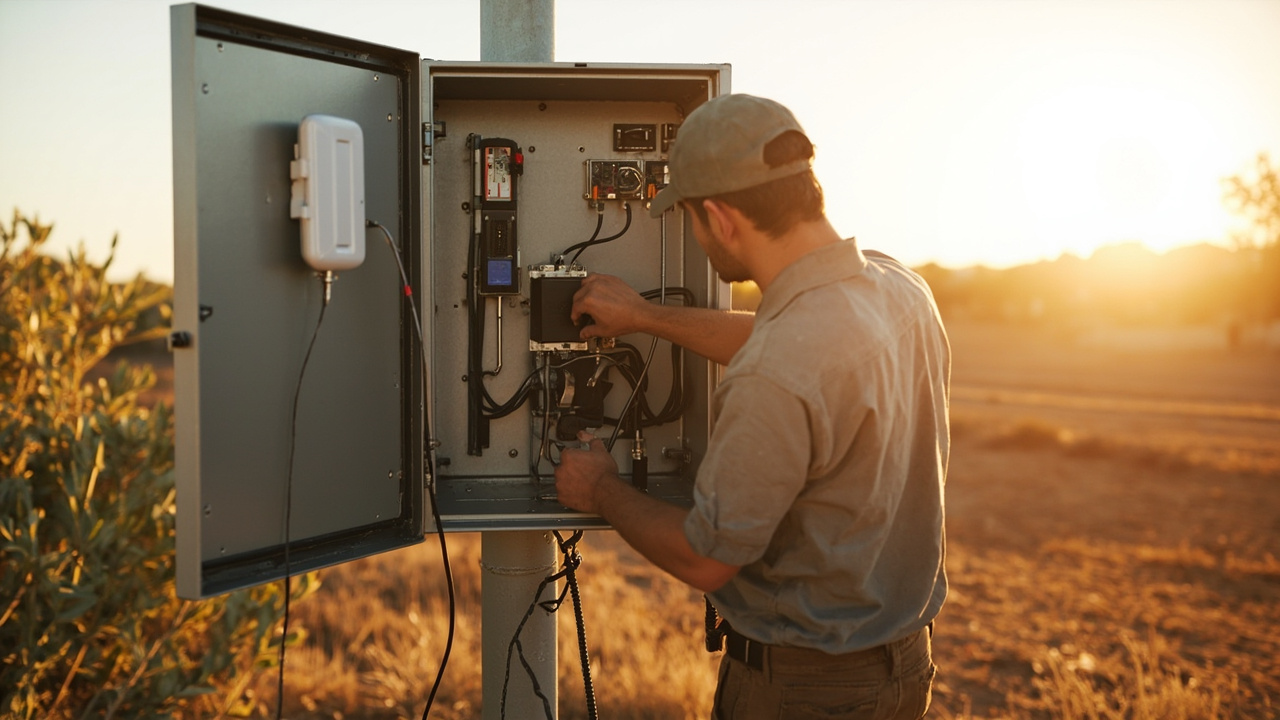
Visual Examples
Images That Support Choosing an Industrial Router
A small visual sample connected to this topic.