
Questions & Answers
Public Questions & Answers
The Conversation Around Comset
These pages turn the business source material into practical answers, comparisons, visual examples and confirmation points for people researching this business.
Start by collecting time-series modem readings: RSRP, RSRQ, SINR, current serving band and cell ID, registration state, the assigned IP, and data counters (bytes in/out). Note the exact time and which carrier/SIM you’re using, plus any disconnect reasons shown by the router. Also grab router-side diagnostics: WAN health-check results, last reboot time, power events, SIM switch events, VPN or remote-access status, and any error messages in the system logs. …
Choosing an Industrial Router · 2026-08-24 How long does the failover take, and will active sessions drop?Failover behavior depends on the exact model and configuration. A router with automatic WAN-to-cellular failover will switch traffic to the cellular path when the fixed NBN link is lost, and switch back when it returns. The timing and smoothness depend on the hardware, firmware and health-check settings you enable, so it can be effectively seamless or involve a brief interruption. Active sessions may be briefly interrupted during the switch unless you conf…
Industrial Automation Connectivity · 2026-08-23 How can I verify the cabinet won't overheat during operation?Heat is a key factor in cabinet installations. To verify the cabinet won't overheat during operation, check the router's operating temperature range, its power draw, and the cabinet's ventilation. If possible, estimate the expected inside temperature given the ambient conditions and any nearby heat sources, and confirm there is adequate airflow. Cabinet installations also need proper grounding, transient protection and separation from noisy electrical comp…
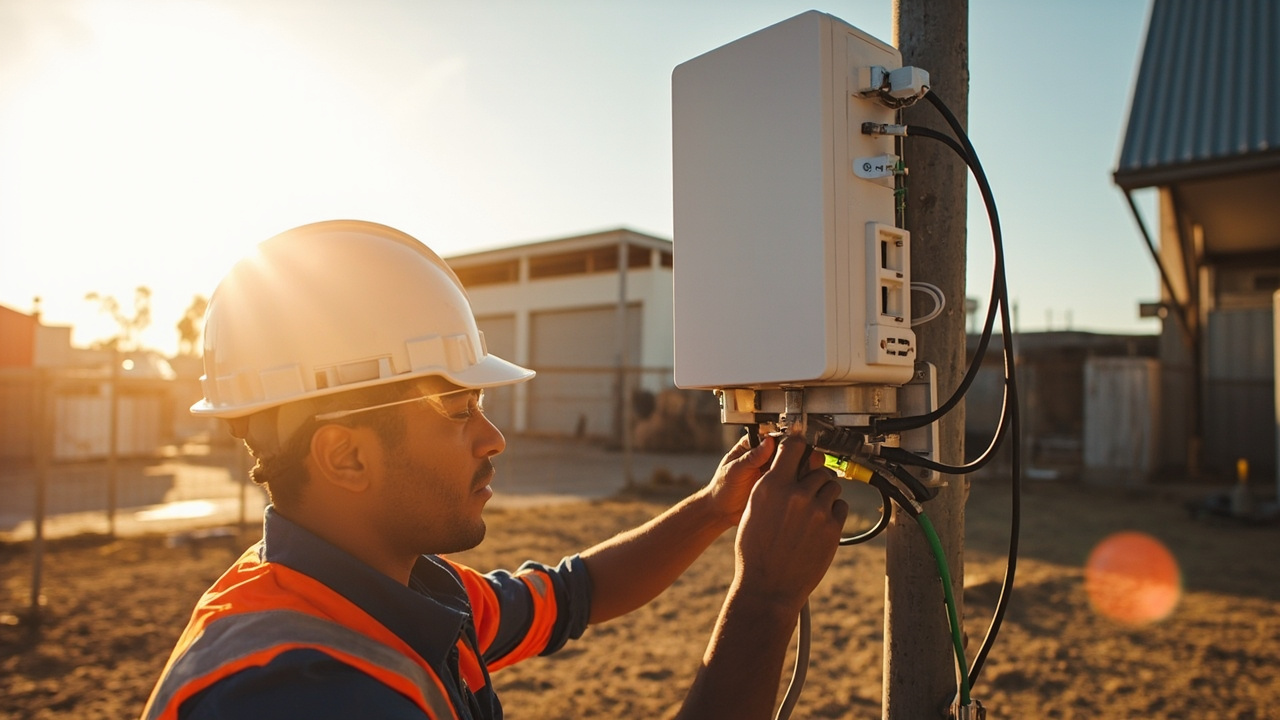 3 Q&A
Power over Ethernet Deployments
3 Q&A
Power over Ethernet Deployments
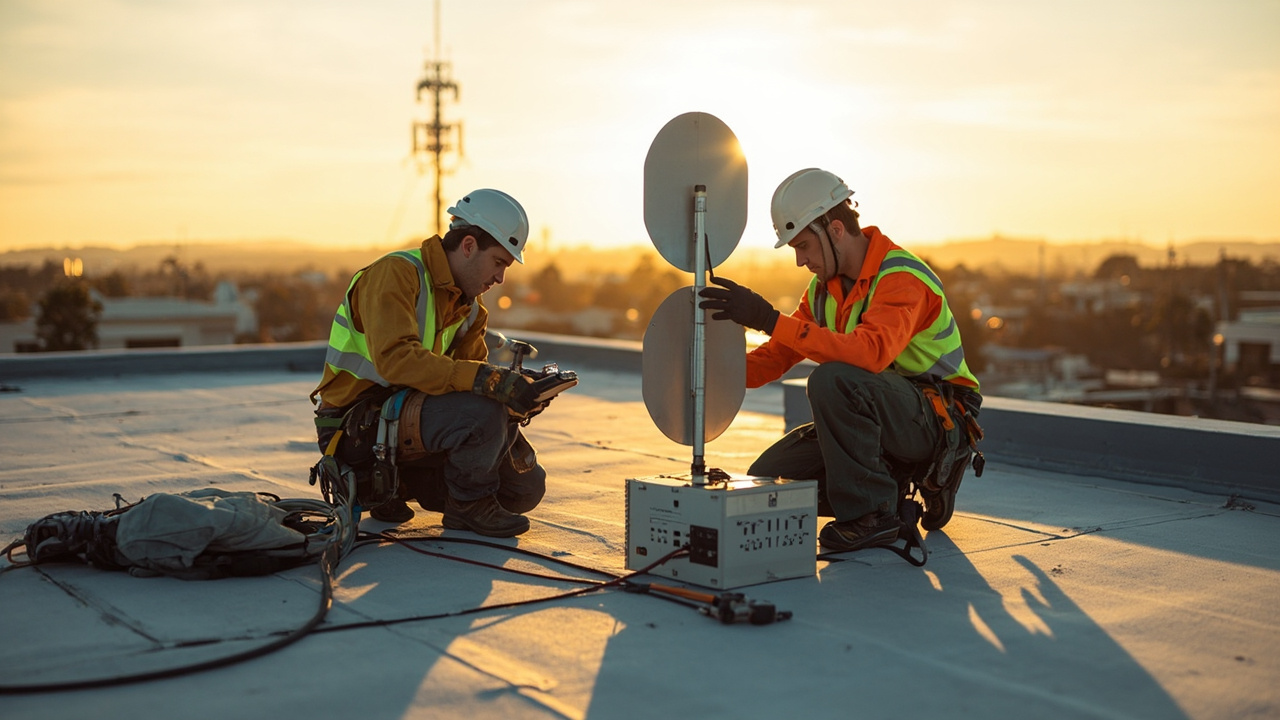 5 Q&A
Cellular Antennas and MIMO
5 Q&A
Cellular Antennas and MIMO
 3 Q&A
Antenna Placement and Coaxial Cable Loss
3 Q&A
Antenna Placement and Coaxial Cable Loss
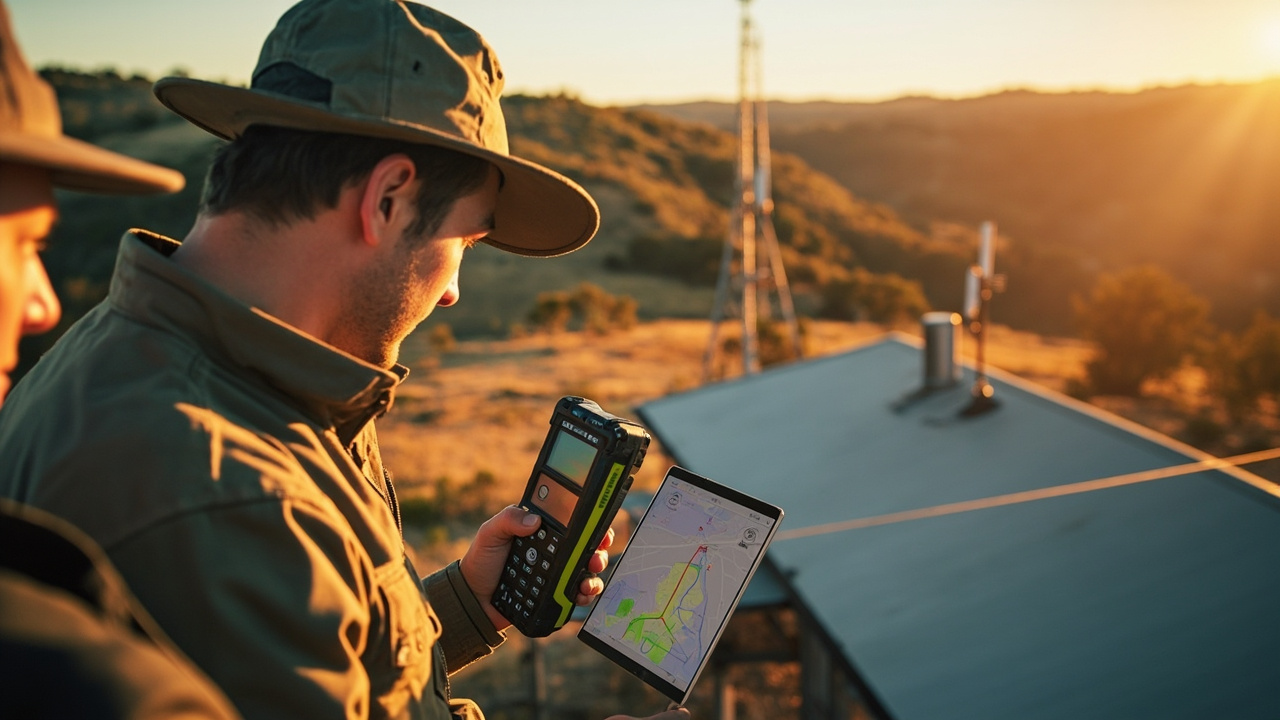 15 Q&A
Cell Tower Location and Signal Testing
15 Q&A
Cell Tower Location and Signal Testing
 5 Q&A
Australian Carrier Bands and Compatibility
5 Q&A
Australian Carrier Bands and Compatibility
Deciding between 4G and 5G should be based on real-world needs, not just speed. Consider the actual data use, number of devices and interfaces required, uptime requirements, and whether VPN or remote management are needed. If the application is dependable but low to moderate bandwidth, a well-chosen 4G/4GX setup may meet the need more cost-effectively and with proven reliability. If higher capacity, more simultaneous connections, or future growth are likel…
4G LTE and 4GX Routers · 2026-08-22 How do I decide when to stay on 4G or move to 5G for my site?Deciding between staying with 4G or moving to 5G depends on what your site actually needs. 4G remains reliable where coverage is good, and many deployments use Band 28 effectively for reach and indoor penetration. 5G can offer higher capacity where the local network is strong, but it also brings cost, device compatibility, and coverage considerations that don’t always make it the right choice yet. The key is to match the network to your real data use, upti…
Comset Supply Support Warranty and Resellers · 2026-08-22 Can you provide a ready-to-use site questionnaire to speed up quoting?Yes. A clear requirement allows Comset to recommend a complete router, antenna and accessory combination rather than quoting an isolated product. A practical intake would include: site location, the mobile carriers and SIM type available, whether you need 4G or 5G service, the application and expected data use, and the number of connected devices. Also list required Ethernet, Wi‑Fi, serial, GPIO or relay interfaces, GPS, VPN, dual‑SIM and remote-management…
 14 Q&A
Router Comparison and Model Selection
14 Q&A
Router Comparison and Model Selection
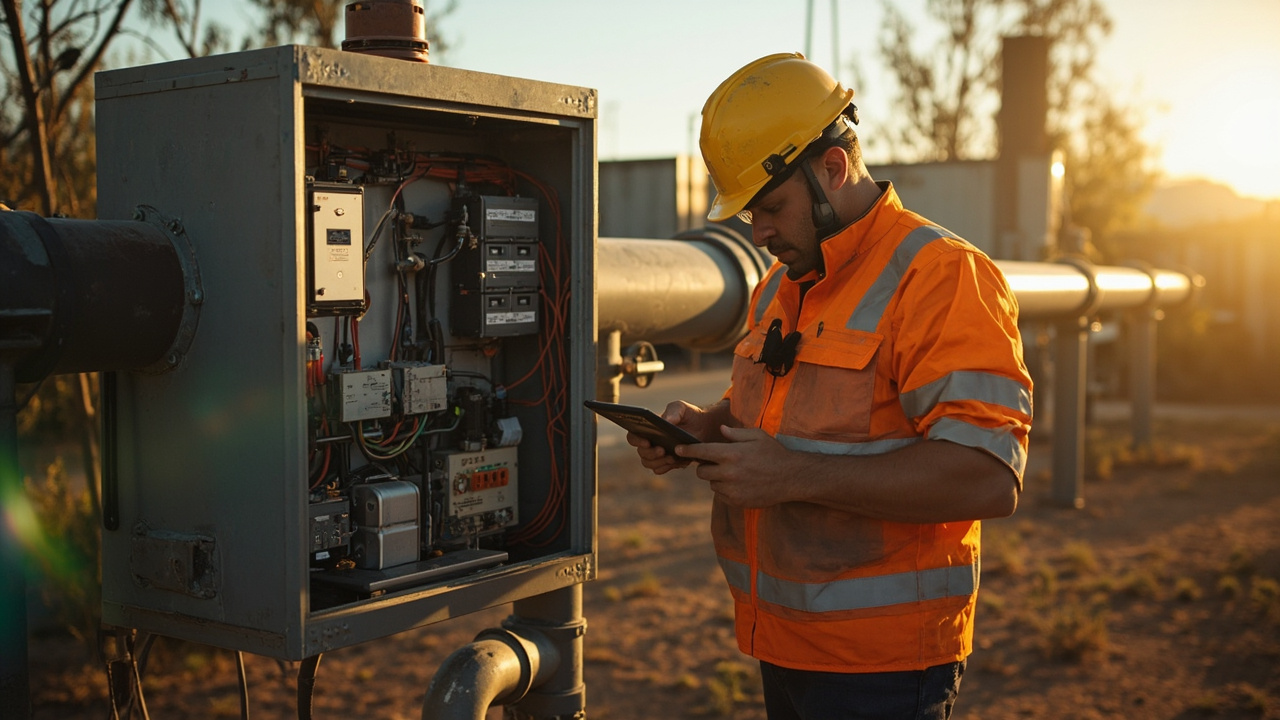 10 Q&A
Machine-to-Machine and IoT Connectivity
10 Q&A
Machine-to-Machine and IoT Connectivity
 11 Q&A
Industrial Automation Connectivity
11 Q&A
Industrial Automation Connectivity
 3 Q&A
Building Automation Connectivity
3 Q&A
Building Automation Connectivity
 10 Q&A
Security and Surveillance Connectivity
10 Q&A
Security and Surveillance Connectivity
Outdoor installations benefit from using the approved mounting brackets and weatherproof connectors; choose a mounting method that minimizes cable strain and vibration. Keep antenna cables away from power lines and metal surfaces that can shield signals; maintain proper grounding and use right-angle connectors if needed; consult Comset for model-specific mounting and cable-length recommendations. We can advise on the right antenna, lead and mounting combin…
Cellular Backup for NBN and Fixed WAN · 2026-08-21 How often should I test cellular backup to prove it will work in an outage?Set up a regular test plan that includes controlled failover by disconnecting the primary WAN and verifying critical services stay reachable, VPN paths stay secure, and remote management remains available via mobile. Ensure the backup SIM is active, has data, and uses the correct APN. If you use any external antennas, verify their viability during the test. Document results and assign ownership so the team knows what to expect. Automated or scheduled tests…
5G Industrial Routers · 2026-08-20 What site signals should trigger upgrading to 5G later?Upgrade timing should be driven by real needs, not hype. Look for rising capacity requirements, more devices, higher data use, or the need for lower latency in your remote tasks. If the site starts needing more bandwidth for cameras, telemetry, or concurrent users, 5G can become worthwhile. Capture concrete measurements to guide the decision: current and peak throughput, latency to critical endpoints, the number of connected devices, and any reliability or…
 3 Q&A
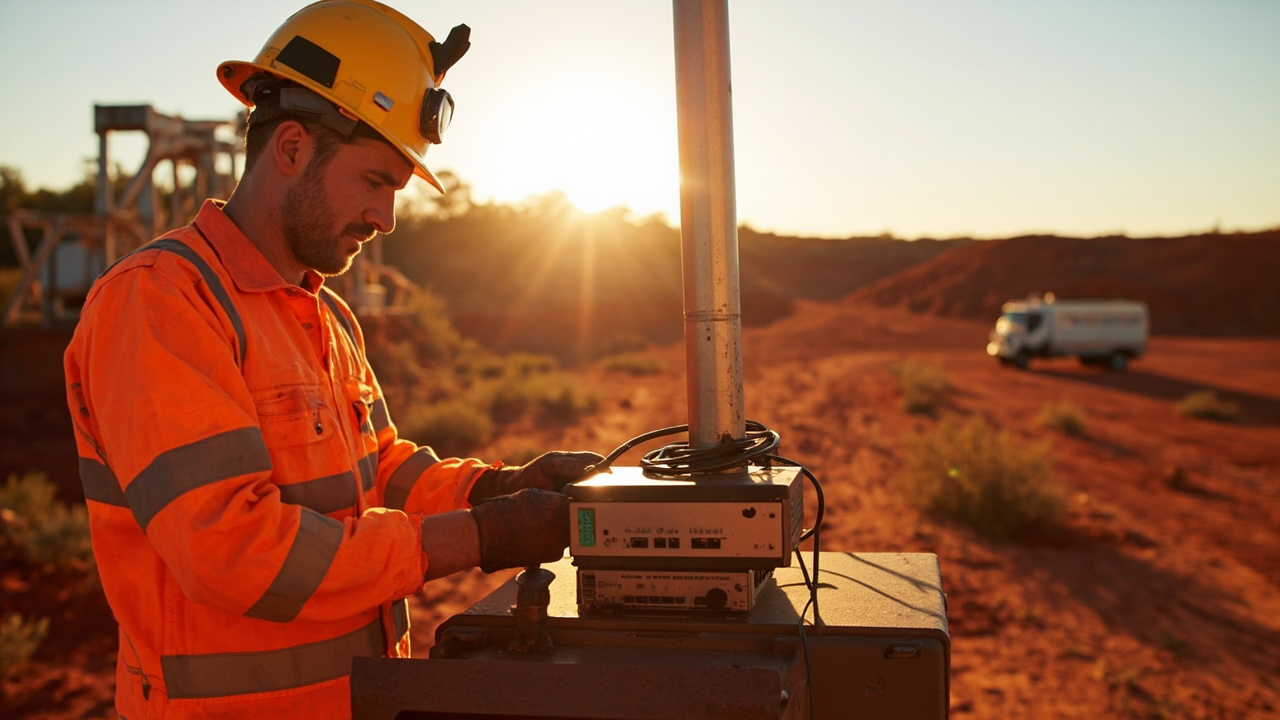
Mining Energy and Remote Sites
3 Q&A
Mining Energy and Remote Sites
 5 Q&A
Transport Fleet and Mobile Deployments
5 Q&A
Transport Fleet and Mobile Deployments
 6 Q&A
Marine and Vessel Connectivity
6 Q&A
Marine and Vessel Connectivity
 4 Q&A
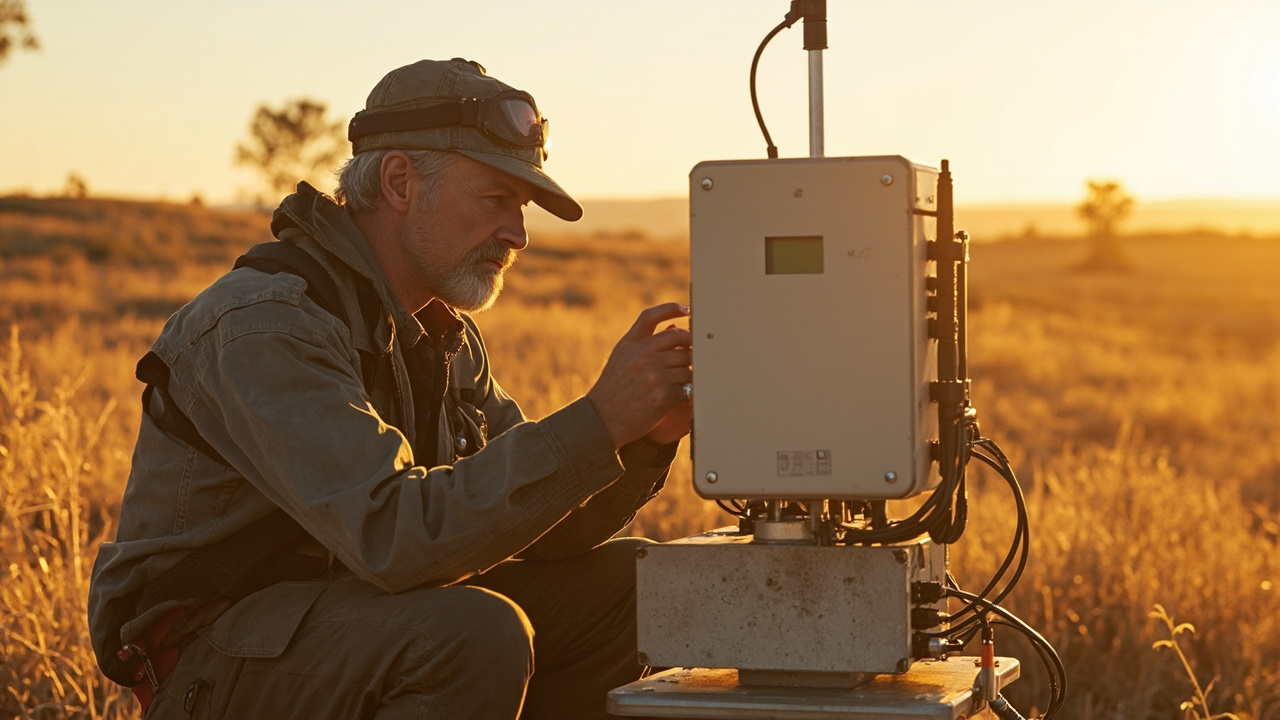
Environmental and Agricultural Monitoring
4 Q&A
Environmental and Agricultural Monitoring
 14 Q&A
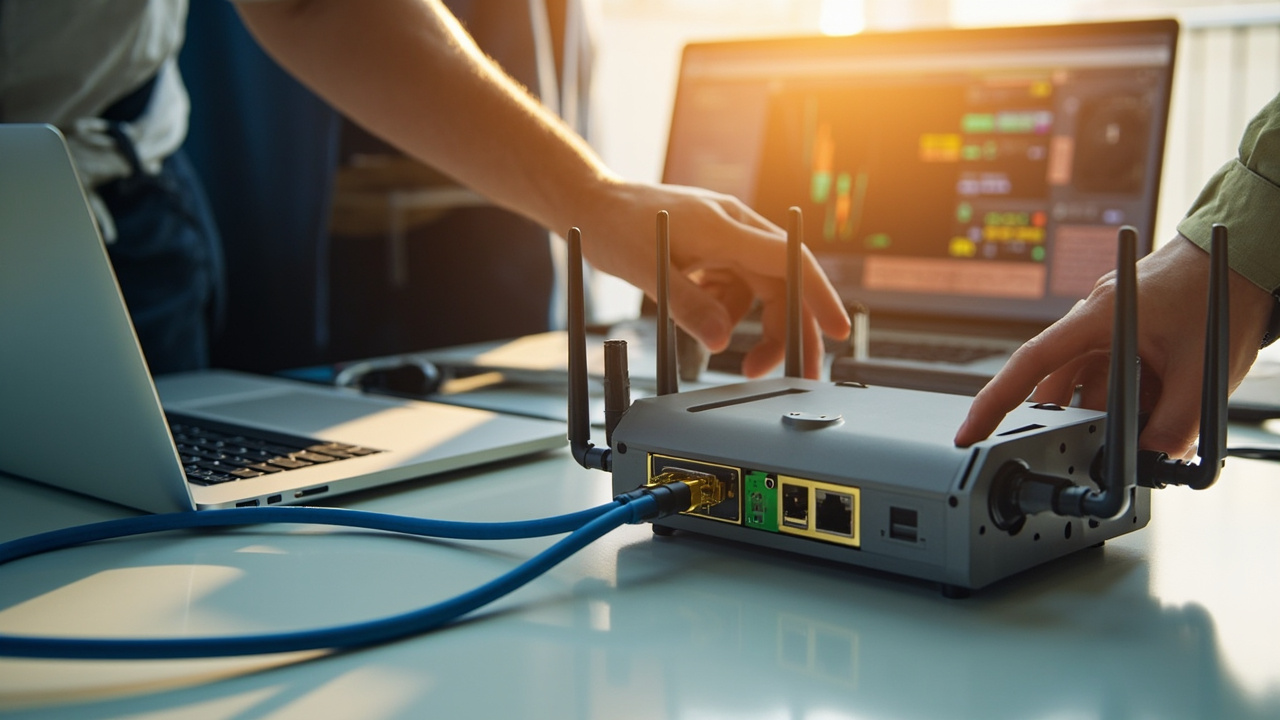
Router Setup APN and Configuration
14 Q&A
Router Setup APN and Configuration
Start by listing current devices and those you expect to add in the next 12–24 months, noting which need wired connections. Include any planned cameras, controllers, displays and laptops. Think about whether devices should be on separate VLANs or grouped by function, and whether you’ll add PoE-powered devices. Factor in a small reserve of ports for growth and for a future switch, rather than forcing everything into a tight, single-box port count. If you’re…
Machine-to-Machine and IoT Connectivity · 2026-08-19 What practical steps should we take to apply these controls across a mixed fleet?Start with a practical site picture: inventory devices, sites and the data each site generates. Use the router or your management platform to capture counters for usage, reporting frequency and data flows, and map how much data is going where. Then set thresholds and alerts per site and use a central dashboard to review usage by site. Compress data and send only delta changes where possible, and schedule large transfers for off-peak times. Consider a poole…
Cellular Backup for NBN and Fixed WAN · 2026-08-19 What should I test first to validate cellular backup works in practice?Define a test plan that lists which services must stay online and what would count as a successful failover. Do a controlled failover by disconnecting the primary WAN and observe whether critical apps remain reachable, VPN paths stay secure, and remote management remains accessible via the mobile link. Check the backup SIM is active, has data, and uses the correct APN. If you use any external antennas, verify their viability during the test. Document resul…
 8 Q&A
Firmware Diagnostics and Troubleshooting
8 Q&A
Firmware Diagnostics and Troubleshooting
 13 Q&A
Comset Supply Support Warranty and Resellers
13 Q&A
Comset Supply Support Warranty and Resellers
 16 Q&A
Choosing an Industrial Router
16 Q&A
Choosing an Industrial Router
 9 Q&A
5G Industrial Routers
9 Q&A
5G Industrial Routers
 21 Q&A
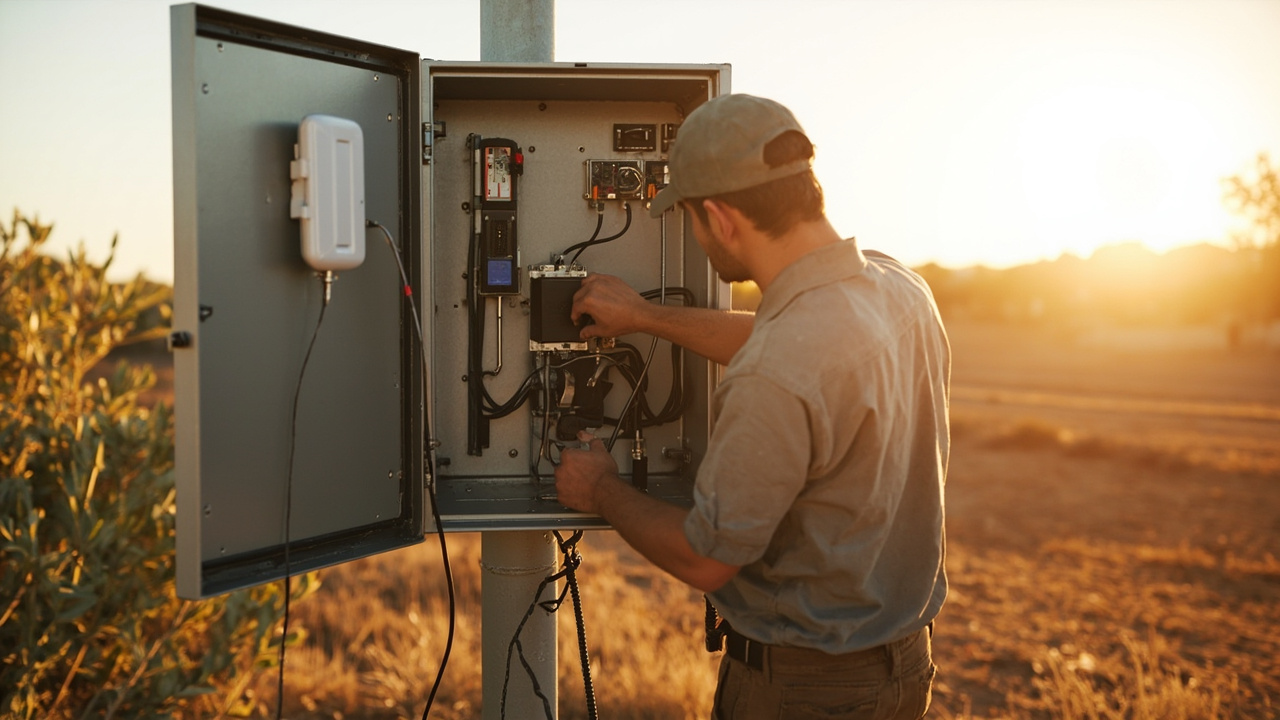
4G LTE and 4GX Routers
21 Q&A
4G LTE and 4GX Routers
Check the router's LEDs and logs for evidence of where the fault lies. Note which LEDs light during power-up, SIM detection and network registration, and review any status messages in the router logs. Sharing the observed LED states and log entries with Comset helps distinguish provisioning or APN issues from hardware or coverage problems. Collect basic context (which carrier, model and firmware) and whether the issue follows the SIM or stays with the hard…
Choosing an Industrial Router · 2026-08-18 How can I test the antenna and router separately on site?Test changes one variable at a time to isolate the fault. Try using a known-good antenna with the existing router to see if performance improves, or take a known-good antenna to another router to compare results. Use the status page to compare signal strength and connection stability under each configuration, and document what changes when you swap components. This helps determine whether the problem is the antenna, the router, or how they’re installed.
4G LTE and 4GX Routers · 2026-08-06 What should I compare before choosing 4G LTE and 4GX Routers?Compare 4G LTE and 4GX Routers against the intended use rather than one headline feature. Weigh suitability, quality, practical effort, timing, support, total cost, limitations and the evidence available, then decide which differences would materially change the outcome. Industrial 4G LTE and 4GX router options for reliable business, machine-to-machine and remote-site connectivity where 5G is unnecessary, unavailable or uneconomic. The category covers LTE …
 10 Q&A
Dual SIM and Carrier Redundancy
10 Q&A
Dual SIM and Carrier Redundancy
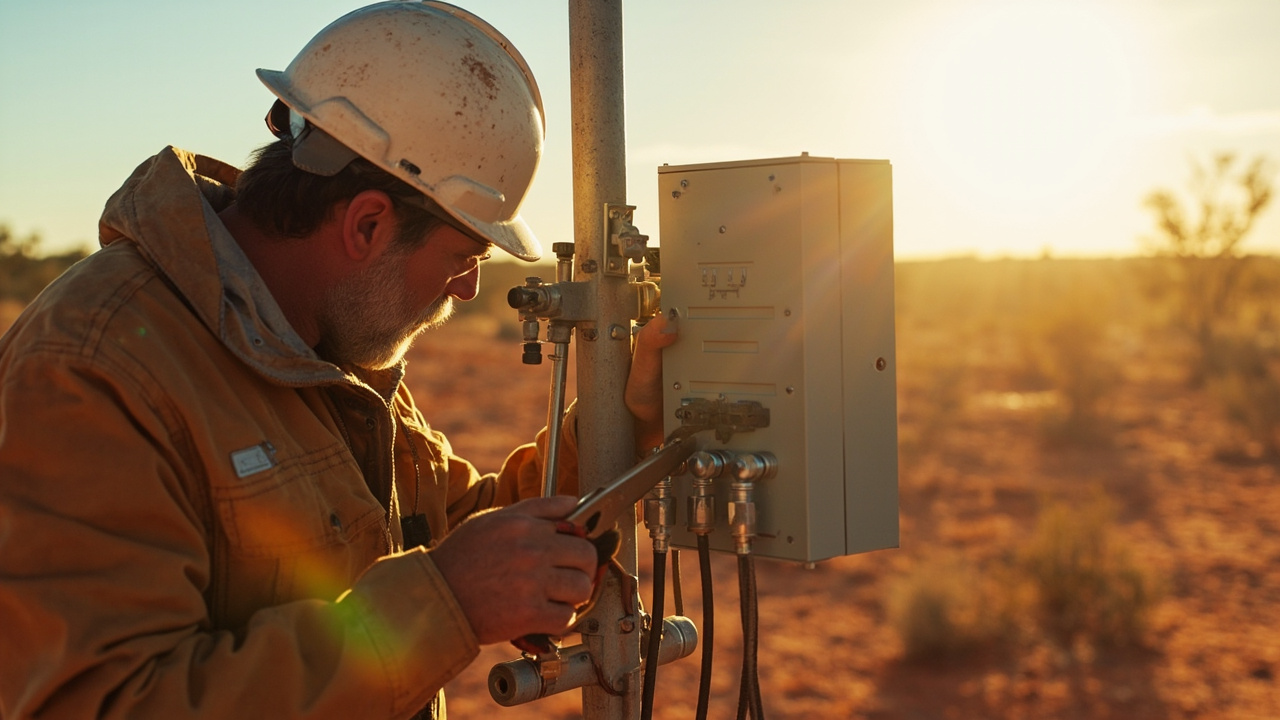 3 Q&A
Outdoor Routers and Harsh Environments
3 Q&A
Outdoor Routers and Harsh Environments
 12 Q&A
Cellular Backup for NBN and Fixed WAN
12 Q&A
Cellular Backup for NBN and Fixed WAN
 3 Q&A
Load Balancing and Multi-WAN
3 Q&A
Load Balancing and Multi-WAN
 11 Q&A
Wi-Fi Ethernet and LAN Design
11 Q&A
Wi-Fi Ethernet and LAN Design
Warning signs around Choosing an Industrial Router include vague or changing explanations, pressure to decide quickly, missing documents, unclear responsibilities, unsupported promises and important details that are not confirmed in writing. Pause when the evidence does not match the description or when nobody accepts responsibility for resolving a problem. A practical starting point for matching an industrial cellular router to the required network, inter…
Comset Supply Support Warranty and Resellers · 2026-08-04 Do I need a specialist installer, or can Comset supply the gear and let my IT team or electrician fit it?That depends on the complexity of the job. A straightforward office backup router or a simple indoor install may be well within the capability of a competent IT person or electrician. More involved projects, especially those involving antennas, remote sites, outdoor mounting, vehicle work or industrial controls, benefit from someone who understands both the hardware and the deployment environment. Comset can still supply and recommend the equipment either…
Comset Supply Support Warranty and Resellers · 2026-08-03 If a Comset model has been discontinued, can Comset suggest the closest current alternative?Yes, and that is usually the most practical conversation to have. The key is not to find a cosmetically similar replacement but to identify the job the old model was doing and then match that to the nearest current platform. Sometimes the replacement is straightforward; other times the newer unit offers a different mix of interfaces, radio capability or management features. Comset can normally guide that transition if the existing model and application ar…