
Questions & Answers
Public Questions & Answers
The Conversation Around Comset
These pages turn the business source material into practical answers, comparisons, visual examples and confirmation points for people researching this business.
Yes. We can help turn the guidance into concrete artifacts you can adopt. A simple failover test plan should define the simulated WAN outage, which services must stay online, and how you will verify remote management over cellular. Ensure the backup SIM is active, has data, and uses the correct APN; check that any external antennas are functioning. Health checks and alerts should log every failover event, and a lightweight dashboard can track failover late…
Router Comparison and Model Selection · 2026-11-04 What details should I customize for fixed vs mobile installations?The quick sheet is built around installation type, network, interfaces, power and environmental limits, uptime, and remote management. For fixed installations you may emphasize stable power, location-specific constraints, and remote access needs. For mobile installations you should note the typical operating context, mounting considerations, power margins, and how you plan to access the device remotely. Fill in the required interfaces (LAN, Wi‑Fi, serial, …
Industrial Automation Connectivity · 2026-11-03 What cooling options or layout changes does Comset usually suggest?Yes. After assessing the heat load, we tailor cooling and layout changes to your site. Typical options we consider include relocating the router for better airflow, creating or widening cabinet openings for passive ventilation, adding small fans or choosing a larger cabinet if heat buildup is a risk, and ensuring antenna exits and cable runs don’t block airflow. We also review grounding and transient protection to keep safety and signal integrity intact. O…
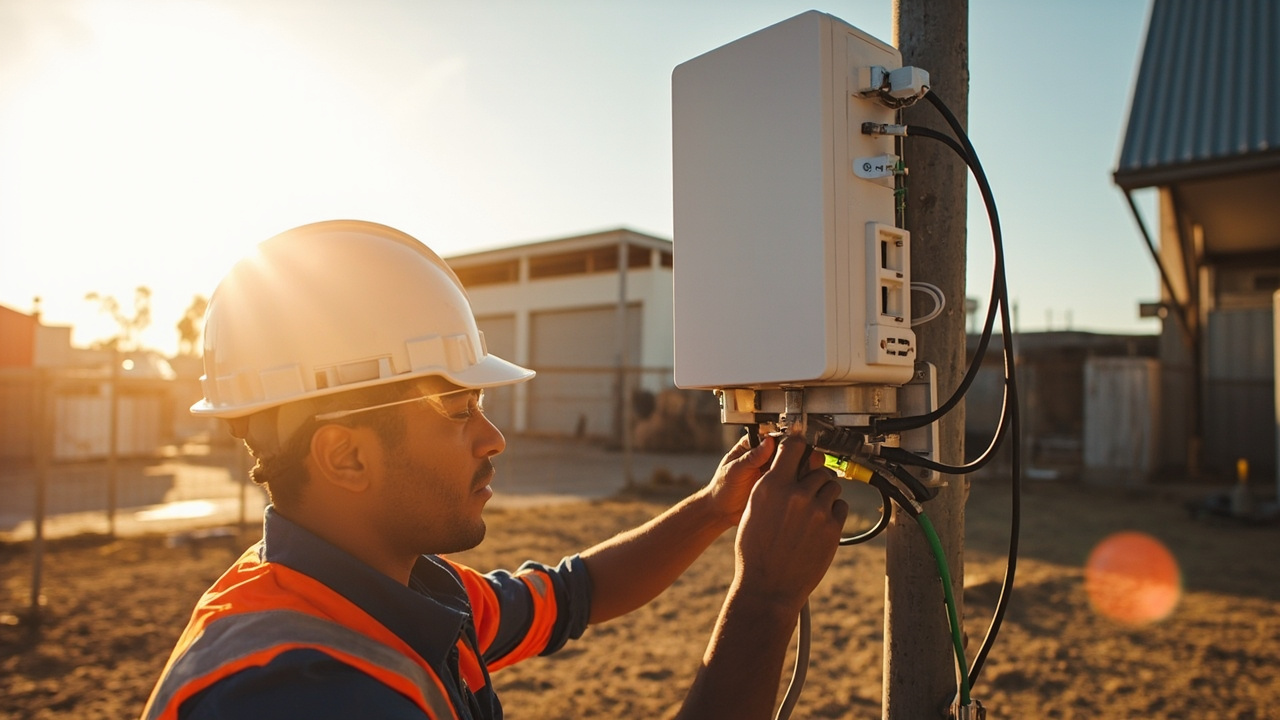 3 Q&A
Power over Ethernet Deployments
3 Q&A
Power over Ethernet Deployments
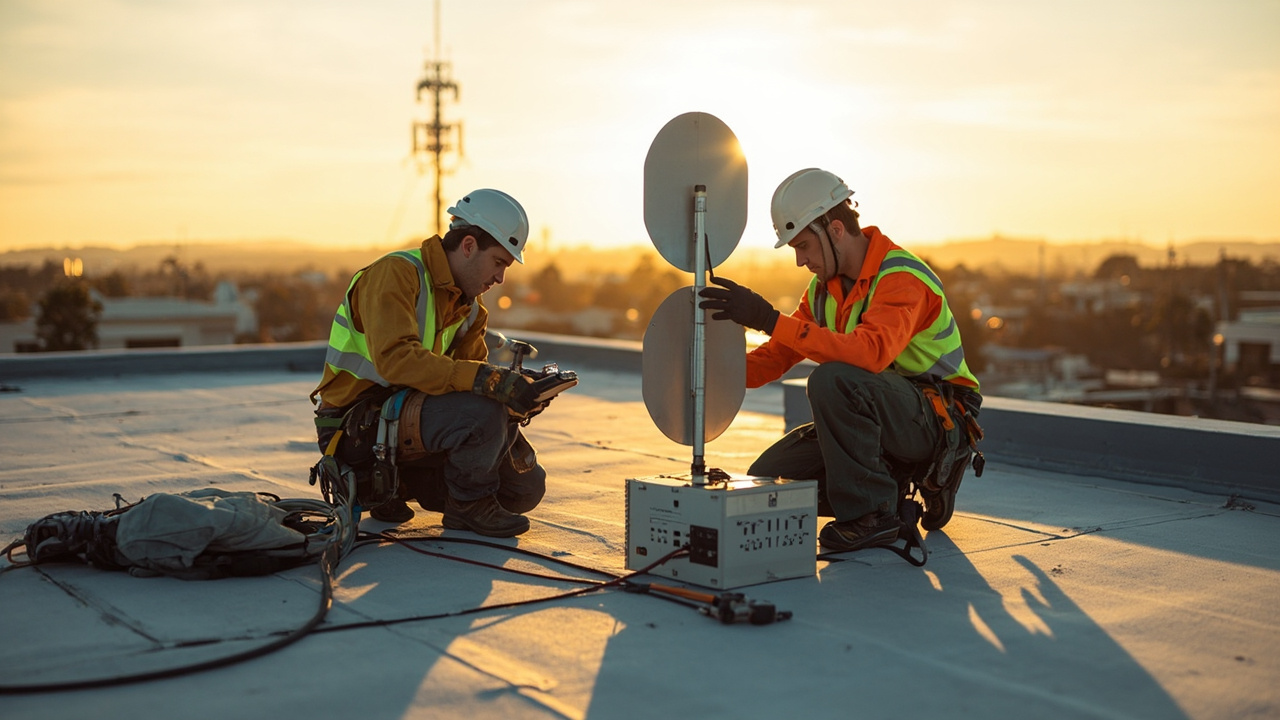 5 Q&A
Cellular Antennas and MIMO
5 Q&A
Cellular Antennas and MIMO
 3 Q&A
Antenna Placement and Coaxial Cable Loss
3 Q&A
Antenna Placement and Coaxial Cable Loss
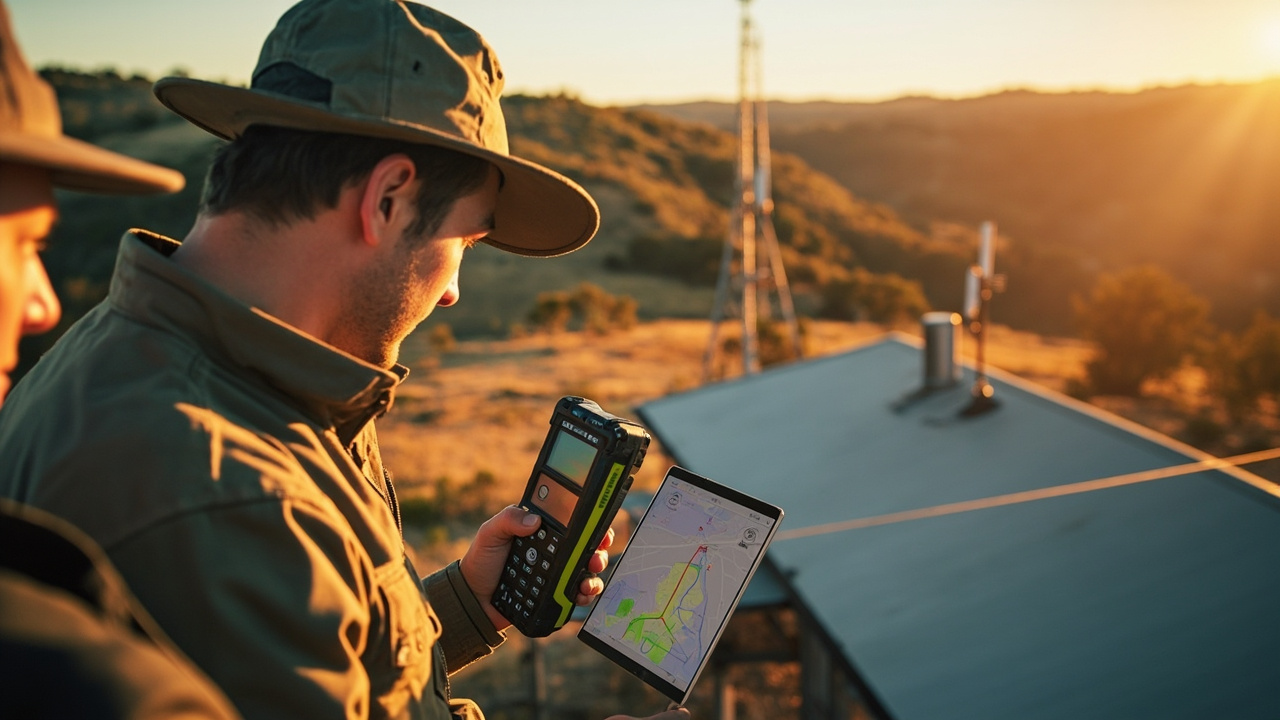 15 Q&A
Cell Tower Location and Signal Testing
15 Q&A
Cell Tower Location and Signal Testing
 5 Q&A
Australian Carrier Bands and Compatibility
5 Q&A
Australian Carrier Bands and Compatibility
We start from your basics: fixed vs mobile installation, and which network is available. Then we filter models to only those that meet your non-negotiables: interfaces (LAN/Wi‑Fi/serial/GPIO/GPS/PoE), power and environmental limits, and uptime/remote management needs. Any model missing one is eliminated. Next we compare the remaining models on deployment practicality: mounting options, antenna configurations, cable lengths, remote management features, firm…
Comset Supply Support Warranty and Resellers · 2026-11-01 What installation guidance and support come with the tailored kit?When Comset tailors a complete router/antenna kit for your site, it includes the recommended configuration and installation guidance to help your team implement it smoothly. The guidance is designed to support installation and setup. If you approve the kit, we can provide a formal quote, lead times and installation considerations; if any detail is missing, we’ll point out what’s needed to finalize the package.
Cell Tower Location and Signal Testing · 2026-10-31 How should I compare results across spots to pick the best location?Use a simple, consistent comparison across spots. Don’t pick the one with the highest single reading; prioritize sustained, usable performance over time, combining throughput with signal quality and stability. For each spot, run several minutes of tests under similar conditions with the same antenna and cable length. Record RSRP, RSRQ and SINR, the serving cell and band, plus latency and throughput (download and upload). Note environmental factors and any …
 14 Q&A
Router Comparison and Model Selection
14 Q&A
Router Comparison and Model Selection
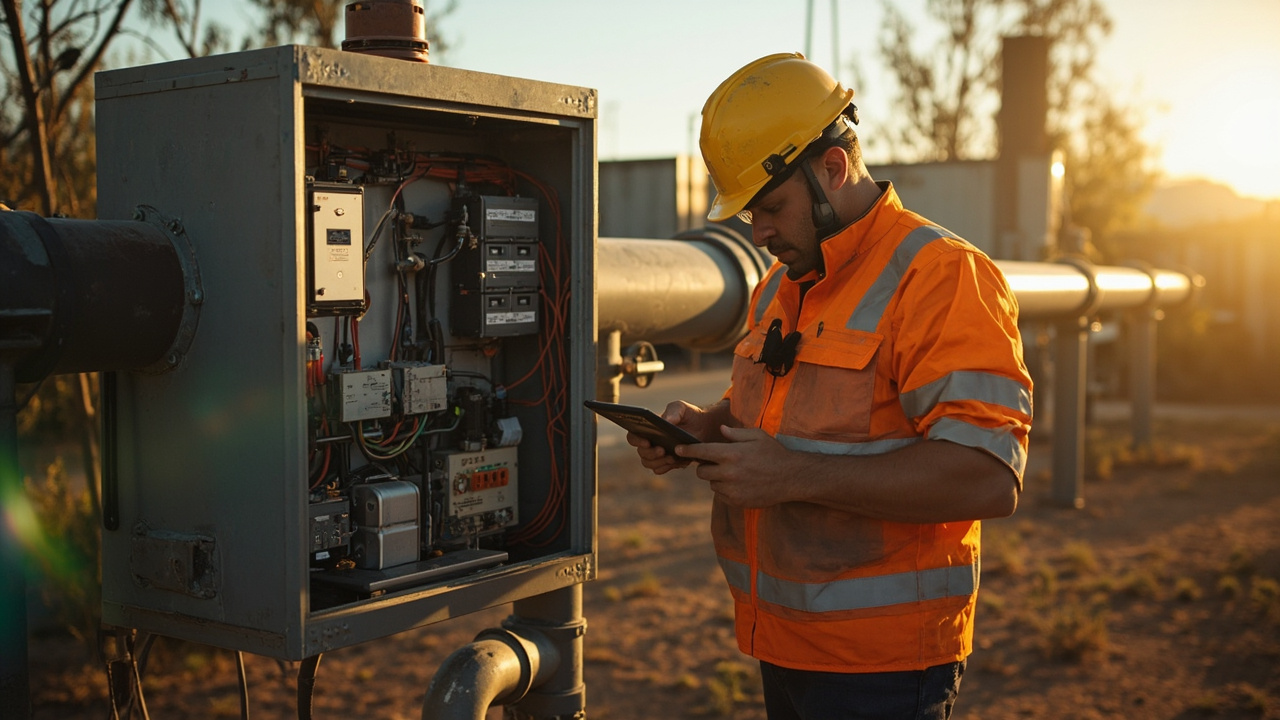 10 Q&A
Machine-to-Machine and IoT Connectivity
10 Q&A
Machine-to-Machine and IoT Connectivity
 11 Q&A
Industrial Automation Connectivity
11 Q&A
Industrial Automation Connectivity
 3 Q&A
Building Automation Connectivity
3 Q&A
Building Automation Connectivity
 10 Q&A
Security and Surveillance Connectivity
10 Q&A
Security and Surveillance Connectivity
A hybrid pooled plus per-site cap plan combines a central data pool with fixed per-site caps, so overall flexibility stays while each site stays within its budget. You monitor the pool centrally and track usage by site, with alerts when a site approaches its cap. The plan helps balance flexibility with accountability, without locking you into one model. Implementation steps include deciding the total pool size and initial per-site allocations based on hist…
Cell Tower Location and Signal Testing · 2026-10-30 How often should I log results to track trends over time?Log results after each measurement session using the same metrics (RSRP, RSRQ, SINR, latency, jitter, and real throughput) and the same test conditions. Do this regularly, especially after changes like antenna moves, firmware updates or carrier changes, so you can see how performance trends over time. Maintain a baseline and compare new results against it, noting the serving band and cell, and test at different times of day to capture variation. Use a simp…
Machine-to-Machine and IoT Connectivity · 2026-10-29 How should we actually configure thresholds and alerts for sites?Set per-site thresholds for data usage (e.g., warn at 80% of plan, critical at 95%), and add separate alerts for uptime and remote-management activity. Tie each site to a simple escalation path (who is alerted first, and what to do if unresolved). Use a centralized dashboard to review site-by-site readings. Keep thresholds stable for a monitoring window of 2–4 weeks to learn patterns, then adjust. Use delta data and site-level views to reduce noise; consid…
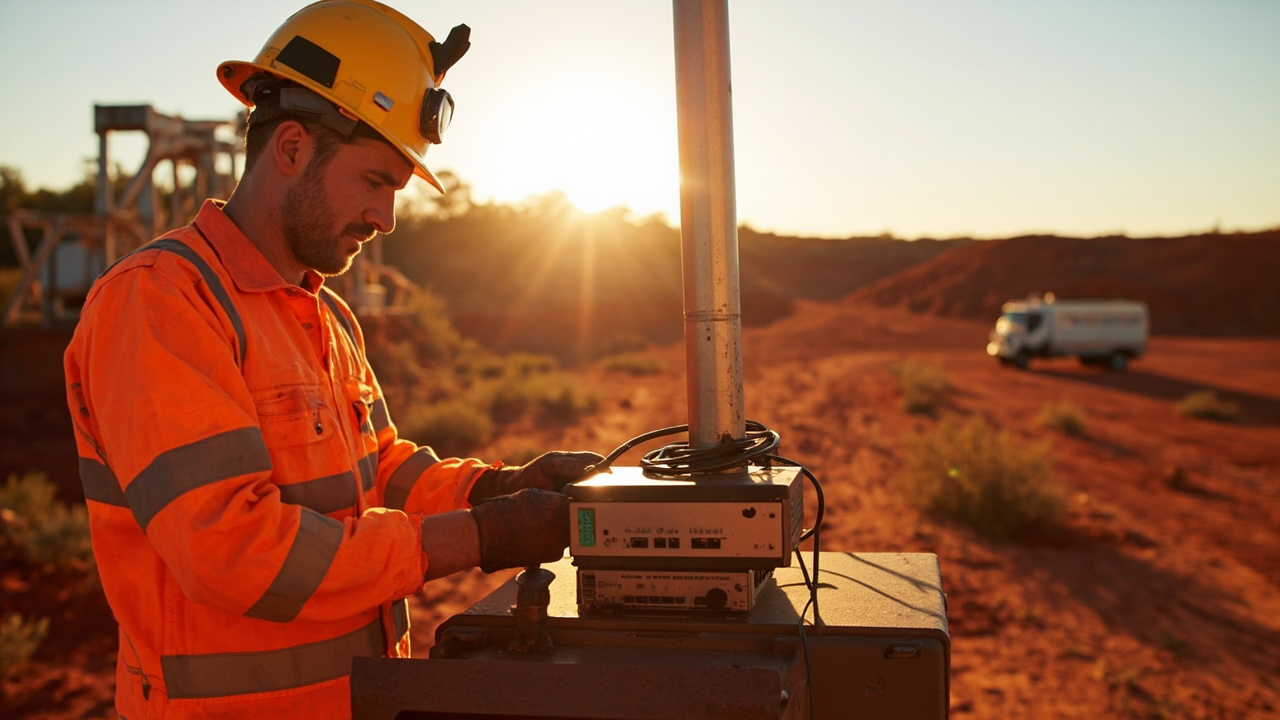 3 Q&A
Mining Energy and Remote Sites
3 Q&A
Mining Energy and Remote Sites
 5 Q&A
Transport Fleet and Mobile Deployments
5 Q&A
Transport Fleet and Mobile Deployments
 6 Q&A
Marine and Vessel Connectivity
6 Q&A
Marine and Vessel Connectivity
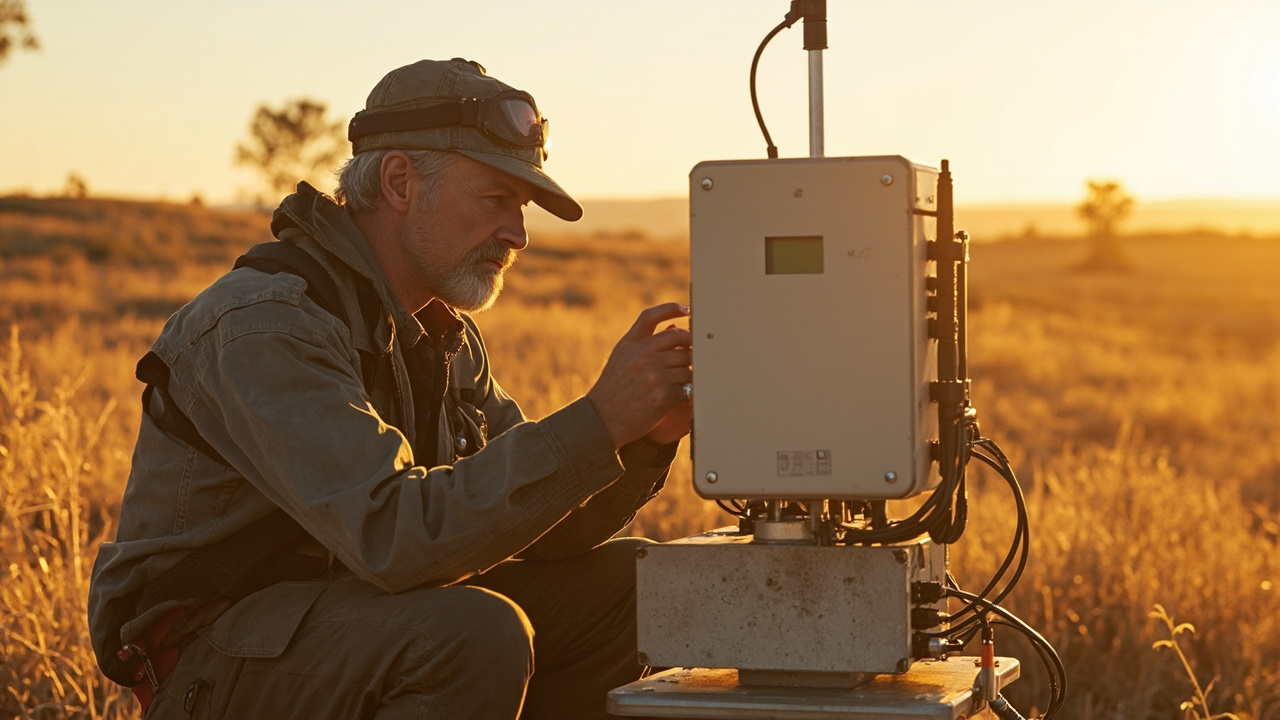 4 Q&A
Environmental and Agricultural Monitoring
4 Q&A
Environmental and Agricultural Monitoring
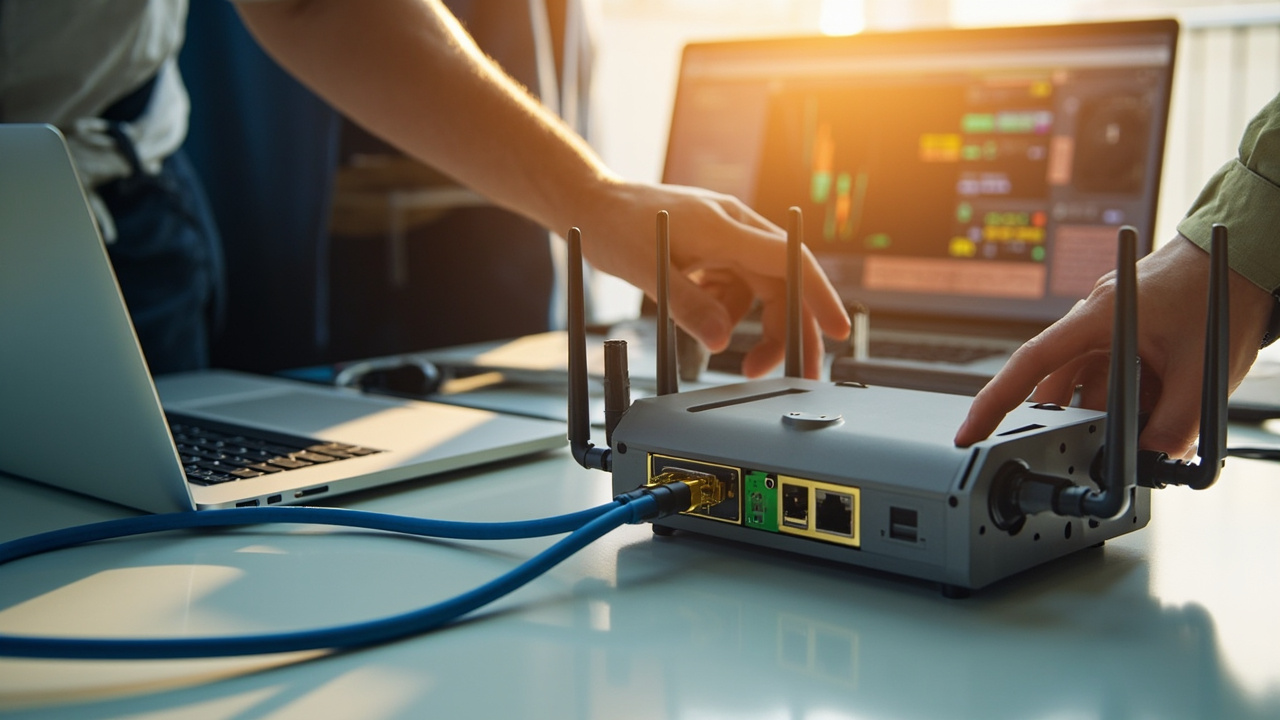 14 Q&A
Router Setup APN and Configuration
14 Q&A
Router Setup APN and Configuration
During the site trial, focus on real traffic, not just camera counts. Track actual uplink and downlink volumes, especially during peak periods, plus how much video is being transmitted or stored locally. Note the number of cameras, their recording schedules, and whether you’re using substreams to reduce uplink. Set data-usage thresholds and alerts so you can compare actual usage against your plan’s limits. Also verify that the plan supports the remote-mana…
Choosing an Industrial Router · 2026-10-27 How do I test the failover without disrupting operations?Plan a controlled test window and simulate a primary-link outage to observe how traffic shifts to the cellular path. Check whether critical devices and VPN access stay reachable during the switch, and note any brief interruption. Review the router's failover logic, examine the event logs, and verify that services return to the primary link cleanly when it’s back online. Include VPN continuity and capture timestamps/outcomes so you can tune settings before …
Security and Surveillance Connectivity · 2026-10-26 What data should I measure during a site trial to size the plan?During the site trial, record per-camera data usage and how you’re streaming or recording. Track the number of cameras, their recording schedules (continuous vs event-based), and whether you’re sending substreams separately to reduce uplink. Monitor actual uplink and downlink volumes, especially during peak periods, plus any data used for audio, firmware updates and remote access. Use that data to estimate monthly consumption and to verify headroom. Run th…
 8 Q&A
Firmware Diagnostics and Troubleshooting
8 Q&A
Firmware Diagnostics and Troubleshooting
 13 Q&A
Comset Supply Support Warranty and Resellers
13 Q&A
Comset Supply Support Warranty and Resellers
 16 Q&A
Choosing an Industrial Router
16 Q&A
Choosing an Industrial Router
 9 Q&A
5G Industrial Routers
9 Q&A
5G Industrial Routers
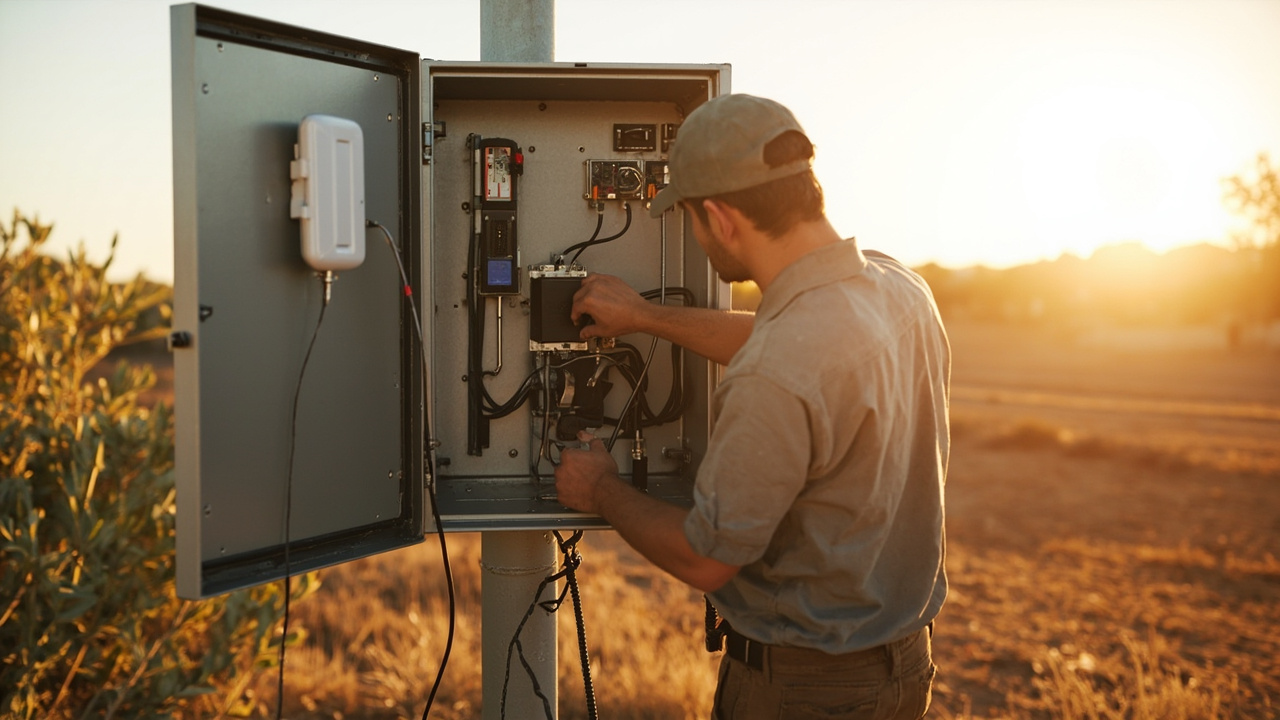 21 Q&A
4G LTE and 4GX Routers
21 Q&A
4G LTE and 4GX Routers
On-site tests should compare actual network performance and reliability for the two options. Verify which bands and carriers are available at the site, then measure sustained uplink and latency under typical load, including alarms, telemetry and remote management activities. Assess peak usage, device compatibility, and whether the equipment supports the chosen bands and features (VPNs, dual SIM, remote reboot, etc.). Run a short pilot with representative t…
4G LTE and 4GX Routers · 2026-10-25 Which site details should I share to get a clear 4G vs 5G comparison?To compare 4G vs 5G properly, we will want site-specific inputs that reflect real use. Share the site location or region and the carrier options you are considering, your typical data traffic (rough daily/monthly volumes or message sizes), number of devices that will connect, and how the data is used (telemetry, alarms, remote-management, VPN traffic, etc.). Also include uptime targets, peak load periods, and whether you will need VPN or remote access, as …
Wi-Fi Ethernet and LAN Design · 2026-10-25 How many spare ports should I plan for growth?Planning for growth is smart. A common rule is to reserve about 20–30% more ports than you currently need to accommodate new devices and VLANs, especially if you anticipate PoE devices or a separate switch later. If you are already near the router’s port limit, it is usually cleaner to pair a multi-port router with a small managed switch now, rather than rework later. If you share your current device list and 12–24 month roadmap, we can map ports to each d…
 10 Q&A
Dual SIM and Carrier Redundancy
10 Q&A
Dual SIM and Carrier Redundancy
 3 Q&A
Outdoor Routers and Harsh Environments
3 Q&A
Outdoor Routers and Harsh Environments
 12 Q&A
Cellular Backup for NBN and Fixed WAN
12 Q&A
Cellular Backup for NBN and Fixed WAN
 3 Q&A
Load Balancing and Multi-WAN
3 Q&A
Load Balancing and Multi-WAN
 11 Q&A
Wi-Fi Ethernet and LAN Design
11 Q&A
Wi-Fi Ethernet and LAN Design
A firmware update can add support for additional bands on some models, but not all updates include band changes. To know if a specific update helps, check the release notes for that firmware version and compare the listed supported bands to your SIM bands. If you’re considering updating, test first on a spare unit or in a non-critical environment, back up the current configuration, and ensure the update is approved for your exact model and hardware revisio…
5G Industrial Routers · 2026-10-23 How do I choose which 5G bands and antennas to future-proof for my site?Start with a site survey to identify current and future bands and devices to support. Choose antenna hardware that covers the bands you anticipate using, and consider multi-band or modular antennas so you can adapt as bands evolve. Leave space and headroom for additional MIMO chains and higher-gain antennas, and plan cabling and enclosure layouts that will not lock you into a single configuration. Comset can map a future upgrade path and advise on mounting…
Choosing an Industrial Router · 2026-10-22 What level of site detail helps you tailor the best deployment?We tailor deployments from a practical site picture, not just a model spec. Share the job the router must do, the site address, and which mobile networks actually work there. Include whether the installation will sit fixed or move, and whether you’ve tested 4G or 5G coverage. For a baseline, also provide what devices will connect and the required interfaces (Ethernet, Wi‑Fi, serial, GPIO or relays), expected data usage, and whether inbound remote access is…