
Questions & Answers
Public Questions & Answers
The Conversation Around Comset
These pages turn the business source material into practical answers, comparisons, visual examples and confirmation points for people researching this business.
To compare 4G and 5G sensibly, start with what your site needs today and what it may need tomorrow. Gather data on typical and peak data use, how many devices and interfaces will connect, and whether you require VPN or remote management. Also capture uptime targets and how quickly you must recover after a link outage. Then verify carrier coverage and the bands available at the site, because 5G benefits depend on the network and hardware supporting the righ…
Industrial Automation Connectivity · 2026-09-07 Okay, but how do I estimate the inside cabinet temperature with given heat sources and airflow?To estimate the inside temperature, quantify the heat you generate and compare it with what the cabinet can remove through ventilation. Start by listing every heat source in the cabinet (the router and any connected devices) and capture each device’s power draw in watts. Note the ambient site temperature and the cabinet’s ventilation characteristics (openings, gaps, and any fans). Then apply a simple heat-balance approach or use a temperature logger to see…
Machine-to-Machine and IoT Connectivity · 2026-09-06 What thresholds and alert rules should we start with for mixed sites?Start with per-site thresholds: cap data usage and set an alert when approaching the limit. Use site-level consumption and delta transfers to avoid false triggers. Define alert rules for data usage, uptime and connectivity, and remote-management activity; set initial values (for example, warn at around 80% of plan usage and critical at 95%), with time-based considerations to avoid noise. Choose alert channels (SMS for urgent items, email or dashboard for o…
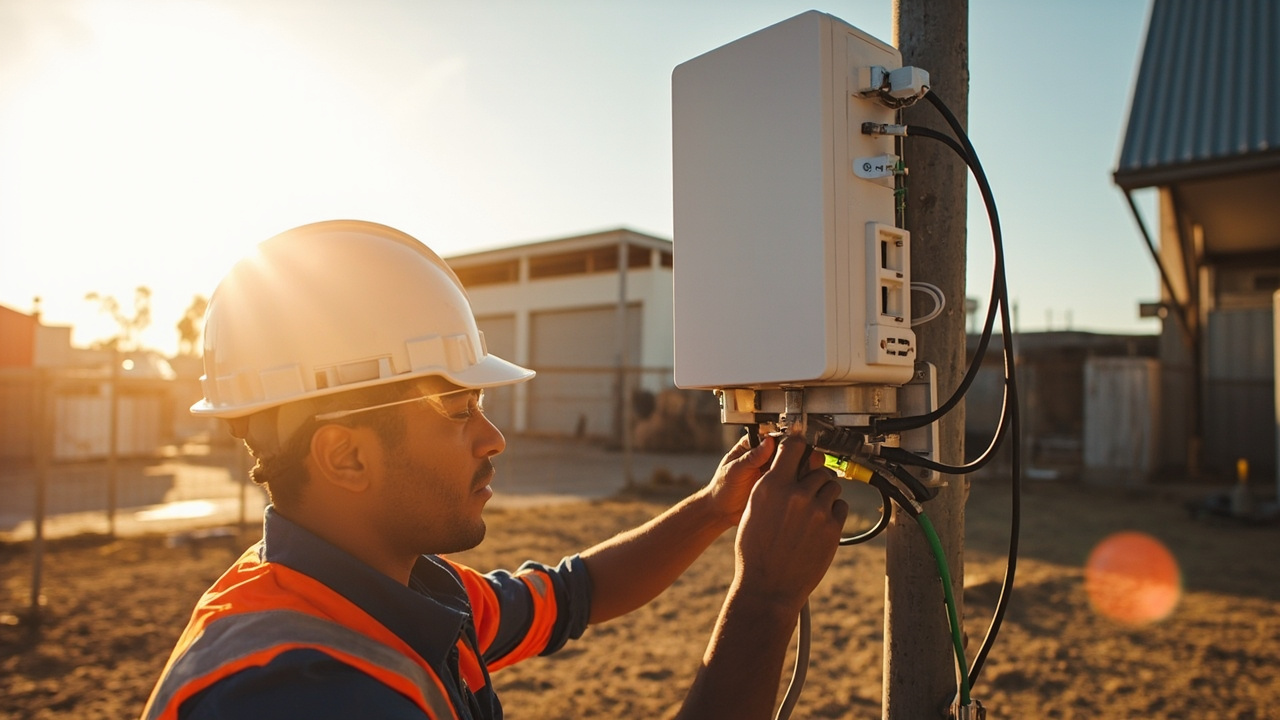 3 Q&A
Power over Ethernet Deployments
3 Q&A
Power over Ethernet Deployments
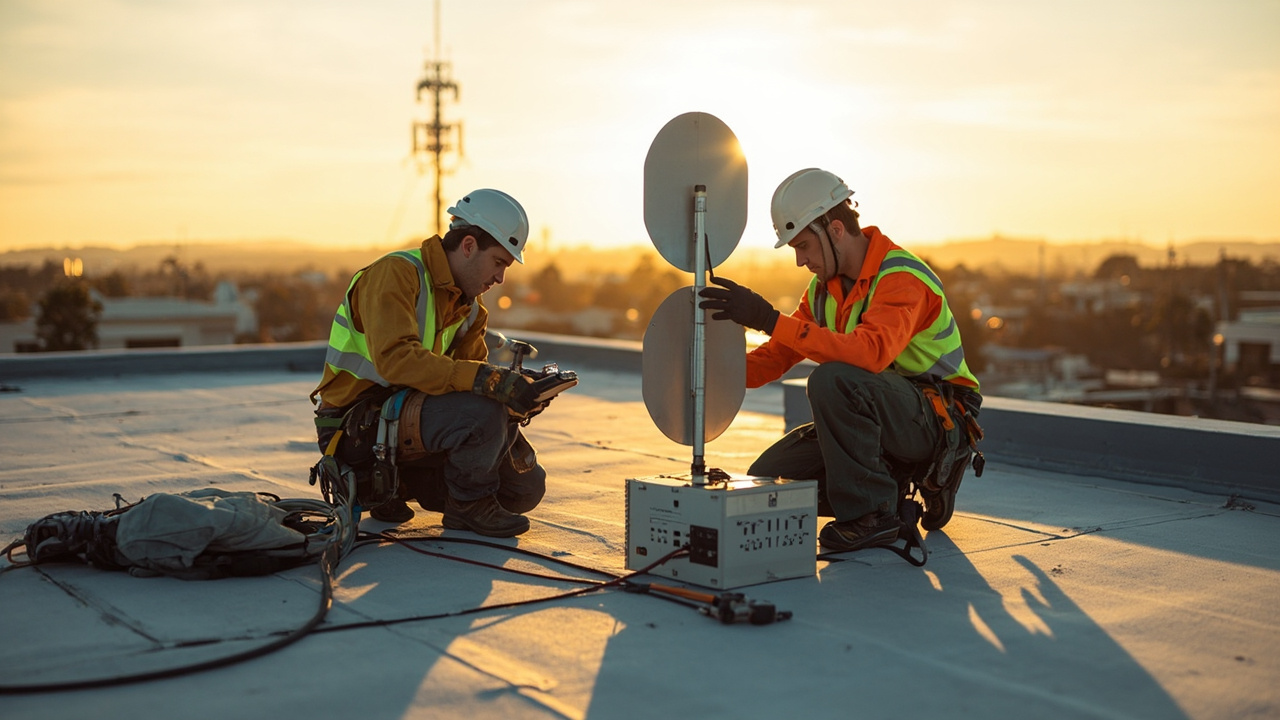 5 Q&A
Cellular Antennas and MIMO
5 Q&A
Cellular Antennas and MIMO
 3 Q&A
Antenna Placement and Coaxial Cable Loss
3 Q&A
Antenna Placement and Coaxial Cable Loss
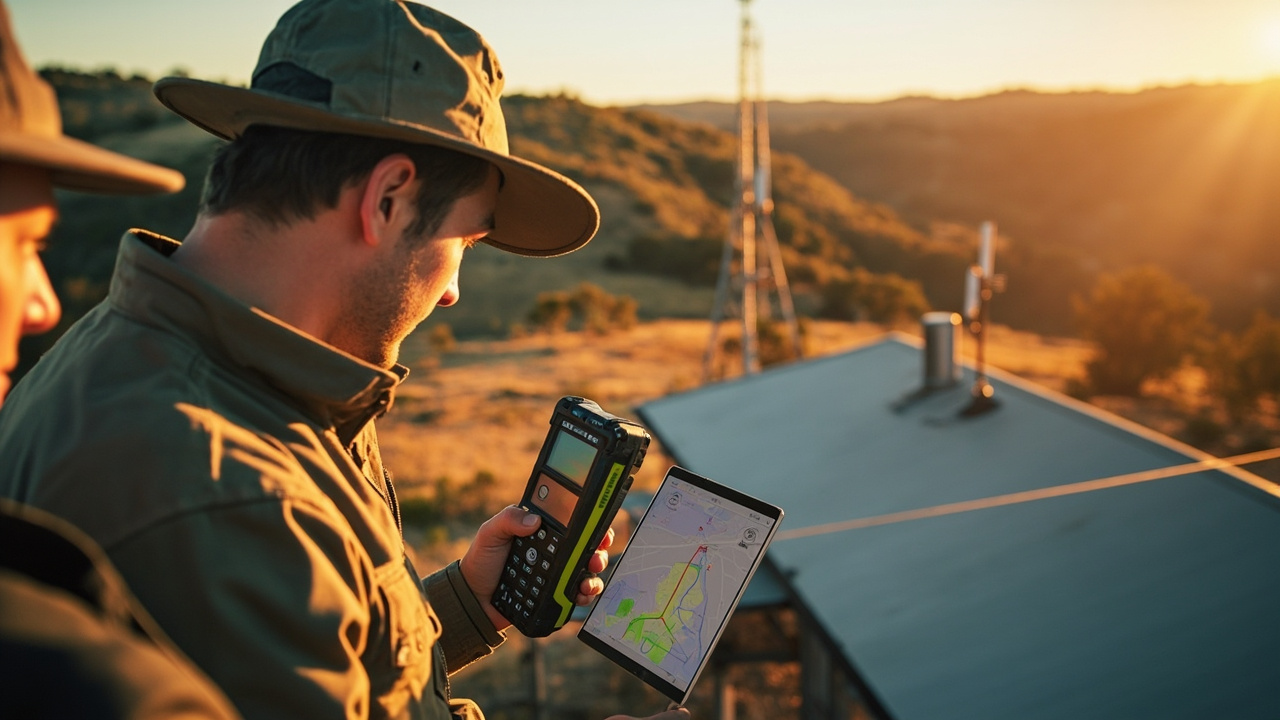 15 Q&A
Cell Tower Location and Signal Testing
15 Q&A
Cell Tower Location and Signal Testing
 5 Q&A
Australian Carrier Bands and Compatibility
5 Q&A
Australian Carrier Bands and Compatibility
Start with a site trial to capture actual data usage. Record monthly uplink and downlink, peak periods, and video activity. Set thresholds and alerts for data allowances, and compare against your plan's limits. Track the number of cameras, recording schedules, and remote viewing to see if headroom is adequate. If coverage varies or you see unexpected spikes, adjust the plan or enable data usage controls. Keep a quick-digest dashboard and revisit after a bi…
4G LTE and 4GX Routers · 2026-09-05 How can I measure actual upstream capacity at a site before buying?Do a live-site throughput test. Measure sustained upload, latency and packet loss at the installed antenna position during typical busy periods. Run a short pilot with expected camera data patterns, log data usage, and model how many devices share the uplink and what headroom you need. Ask Comset to verify the bands and SIM service for the chosen model and confirm the plan supports remote-management features.
Cell Tower Location and Signal Testing · 2026-09-04 How should I interpret the measurements to judge performance against baseline?Interpretation should start from your baseline measurements and testing goals. Compare RSRP, RSRQ and SINR values, latency, jitter and throughput over time, looking for stability, not single-good readings. Define acceptable ranges based on your application needs (for example, a minimum usable throughput and a target latency). If current readings diverge from baseline, investigate changes in antenna position, band selection, or traffic load, and re-test to …
 14 Q&A
Router Comparison and Model Selection
14 Q&A
Router Comparison and Model Selection
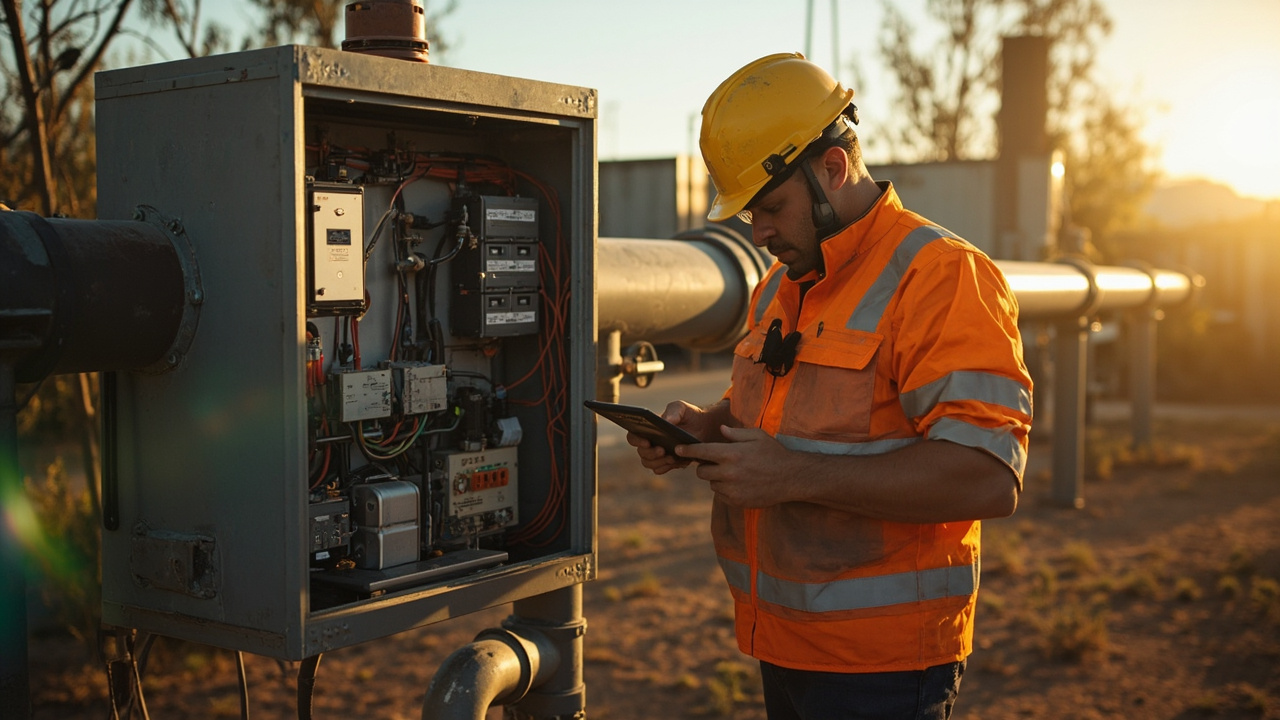 10 Q&A
Machine-to-Machine and IoT Connectivity
10 Q&A
Machine-to-Machine and IoT Connectivity
 11 Q&A
Industrial Automation Connectivity
11 Q&A
Industrial Automation Connectivity
 3 Q&A
Building Automation Connectivity
3 Q&A
Building Automation Connectivity
 10 Q&A
Security and Surveillance Connectivity
10 Q&A
Security and Surveillance Connectivity
Start by listing current wired devices and likely additions over 12–24 months, and map them to ports. Add a small growth margin (e.g., 20–30%) and consider whether a separate switch is preferable for local devices, PoE, or VLAN separation. If you’re near the router’s port limit, a switch typically keeps growth simple and allows future expansion without replacing the router. Finally, check whether the router and future switch support the same management met…
Dual SIM and Carrier Redundancy · 2026-09-02 Is carrier diversity essential, or can two SIMs on the same network be enough?Two different carriers usually provide the best redundancy because the whole point of dual SIM is to avoid a single carrier outage affecting your site. SIMs from the same network still have some value—for example, if one service has a different APN, billing arrangement, or priority, or simply for operational simplicity—but they do not offer the same geographic and network diversity as two different carriers. If you can't get two different carriers, you can…
Cell Tower Location and Signal Testing · 2026-09-01 What steps should I take to measure the router’s real performance?Start with repeatable tests that reflect how you’ll actually use the router. Collect numerical readings such as RSRP, RSRQ and SINR, plus latency, jitter and real throughput for both download and upload. Note the serving band and cell, and test at different times of day to see how things vary. Use the same antenna and cable length you’ll deploy, and keep the test conditions consistent (same weather, time of day, and traffic load). Run several minutes of te…
 3 Q&A
Mining Energy and Remote Sites
3 Q&A
Mining Energy and Remote Sites
 5 Q&A
Transport Fleet and Mobile Deployments
5 Q&A
Transport Fleet and Mobile Deployments
 6 Q&A
Marine and Vessel Connectivity
6 Q&A
Marine and Vessel Connectivity
 4 Q&A
Environmental and Agricultural Monitoring
4 Q&A
Environmental and Agricultural Monitoring
 14 Q&A
Router Setup APN and Configuration
14 Q&A
Router Setup APN and Configuration
That happens a lot. You can still get a useful recommendation by sharing what you can and clearly noting any gaps. We’ll propose a baseline solution and a plan to firm it up once more information is available. Focus on must-haves: the required interfaces, power and uptime needs, and the site address or rough location for carrier testing. We can sketch a starter model and deployment plan, then tighten it up as details come in.
Cell Tower Location and Signal Testing · 2026-08-31 What exact measurements should I record during on-site testing to pick the best spot?Plan to compare two or three candidate mounting spots. Use the same antenna and cable length you plan to deploy, and test each location under similar conditions (same time of day and weather). Record the coax length and note any obstructions or shielding that might affect the signal path. Collect objective metrics: RSRP, RSRQ, SINR, the serving cell and band, plus latency, download and upload speeds, and jitter. Run repeatable tests for several minutes to …
Security and Surveillance Connectivity · 2026-08-30 How do I pick the right data plan for CCTV cameras?Start by calculating per-camera data use and the number of cameras you’ll have. If you record continuously in high quality or stream video, uplink can be hundreds of gigabytes per month; event clips and occasional remote viewing use far less. Include audio, multiple streams, firmware updates and user access. Also decide if you’ll store video locally and push only substreams remotely to reduce uplink. Size the SIM plan for sustained upload capacity and head…
 8 Q&A
Firmware Diagnostics and Troubleshooting
8 Q&A
Firmware Diagnostics and Troubleshooting
 13 Q&A
Comset Supply Support Warranty and Resellers
13 Q&A
Comset Supply Support Warranty and Resellers
 16 Q&A
Choosing an Industrial Router
16 Q&A
Choosing an Industrial Router
 9 Q&A
5G Industrial Routers
9 Q&A
5G Industrial Routers
 21 Q&A
4G LTE and 4GX Routers
21 Q&A
4G LTE and 4GX Routers
To tailor a self-install recommendation, share what the site needs to do: location, the intended carrier and SIM type, whether you’ll use 4G or 5G service, and the application plus expected data use and number of connected devices. Also list required interfaces (Ethernet, Wi‑Fi, serial, GPIO/relay/PoE), any GPS or VPN needs, whether you want dual‑SIM or remote-management, and the power, operating environment, antenna position and cable length. Explain upti…
Dual SIM and Carrier Redundancy · 2026-08-29 How should I pick two carriers for dual-SIM redundancy?Choose two carriers that provide real coverage diversity at your site. Look for networks with strong signal at the installation location and, ideally, different core networks. Consider practical differences that affect uptime: carrier plans, APN options, roaming rules, data caps, and how each SIM is billed. Also decide whether you want automatic failover or a manual switch, and ensure the router and management platform can enforce that policy. Plan a hands…
Router Comparison and Model Selection · 2026-08-28 What specific site details should I provide to choose correctly?To help us pick quickly between a CM685V-6 (4G) and a CM950W (5G with redundancy), describe the actual site job and conditions. For example, tell us whether the installation is fixed or mobile, and what 4G/5G coverage you tested, plus the number and type of devices that will connect. Also list the required interfaces and features (LAN ports, Wi‑Fi, serial, GPIO, GPS, PoE), the expected data load, whether inbound remote access is needed, power and environme…
 10 Q&A
Dual SIM and Carrier Redundancy
10 Q&A
Dual SIM and Carrier Redundancy
 3 Q&A
Outdoor Routers and Harsh Environments
3 Q&A
Outdoor Routers and Harsh Environments
 12 Q&A
Cellular Backup for NBN and Fixed WAN
12 Q&A
Cellular Backup for NBN and Fixed WAN
 3 Q&A
Load Balancing and Multi-WAN
3 Q&A
Load Balancing and Multi-WAN
 11 Q&A
Wi-Fi Ethernet and LAN Design
11 Q&A
Wi-Fi Ethernet and LAN Design
In practice, the choice comes down to actual traffic and growth expectations. Cat 4 can meet many sites’ needs, while Cat 6 adds headroom through carrier aggregation where available. Real results depend on the carrier, tower load, signal quality and antenna setup, so headline speeds aren’t everything. On-site checks to guide a decision include quantifying current data use and peak load, listing every device that will connect and the required interfaces (LA…
Router Comparison and Model Selection · 2026-08-26 What are the top two site questions I should answer to pick a shortlist?Start by confirming whether the installation is fixed or mobile and which network is available. Then decide on required interfaces and features such as LAN ports, Wi‑Fi, dual SIM or failover, serial, GPIO, GPS and remote management. With those basics clarified, the shortlist becomes practical rather than a spreadsheet headache, and Comset can help convert it into a usable recommendation.
Serial GPIO and Relay Integration · 2026-08-26 Which Comset model families cover RS-232, RS-485, GPIO and relays?Interface availability is model- and firmware-specific, so always check the exact router’s hardware interface list in the product manual. The documentation should specify which ports and pins are exposed and whether GPIO/relay features are supported in the current firmware. If you want, we can review your target models to confirm they provide the required interfaces before you decide.