
Questions & Answers
Public Questions & Answers
The Conversation Around Comset
These pages turn the business source material into practical answers, comparisons, visual examples and confirmation points for people researching this business.
You can run with a single antenna, but follow your model’s guide for which port to use. If the router is designed for MIMO, using only one port may reduce overall performance, so check the official guidance for your exact model and antenna combination. Also keep cables and connectors from being strained and avoid bending right at the connector. If you plan to use multiple antennas, use matched antennas and keep coax lengths similar to maintain balance. Rou…
Wi-Fi Ethernet and LAN Design · 2026-10-09 How do I decide exactly when to add a switch?List current wired devices and what you expect to add over the next 12–24 months, noting which need fixed connections and whether you want separate VLANs or PoE for certain devices. Add a growth margin of about 20–30% to that total so you’re not forced into a quick upgrade. If you’re near the router’s port limit or you need features like PoE, VLAN separation or better local-device management, plan for a switch now. A common path is router with spare ports …
5G Industrial Routers · 2026-10-08 How do I future-proof the 4G install for a smooth 5G upgrade?To keep the upgrade from 4G to 5G painless, plan for a future-ready installation from day one. Choose an enclosure, mounting position, and cable plan that won’t box you into a single configuration, and select antenna hardware that supports the bands you expect to need. Where possible, position the router and antennas to allow easy addition of higher‑band antennas or additional MIMO chains without rework. If the site is likely to head to 5G, consider a unit…
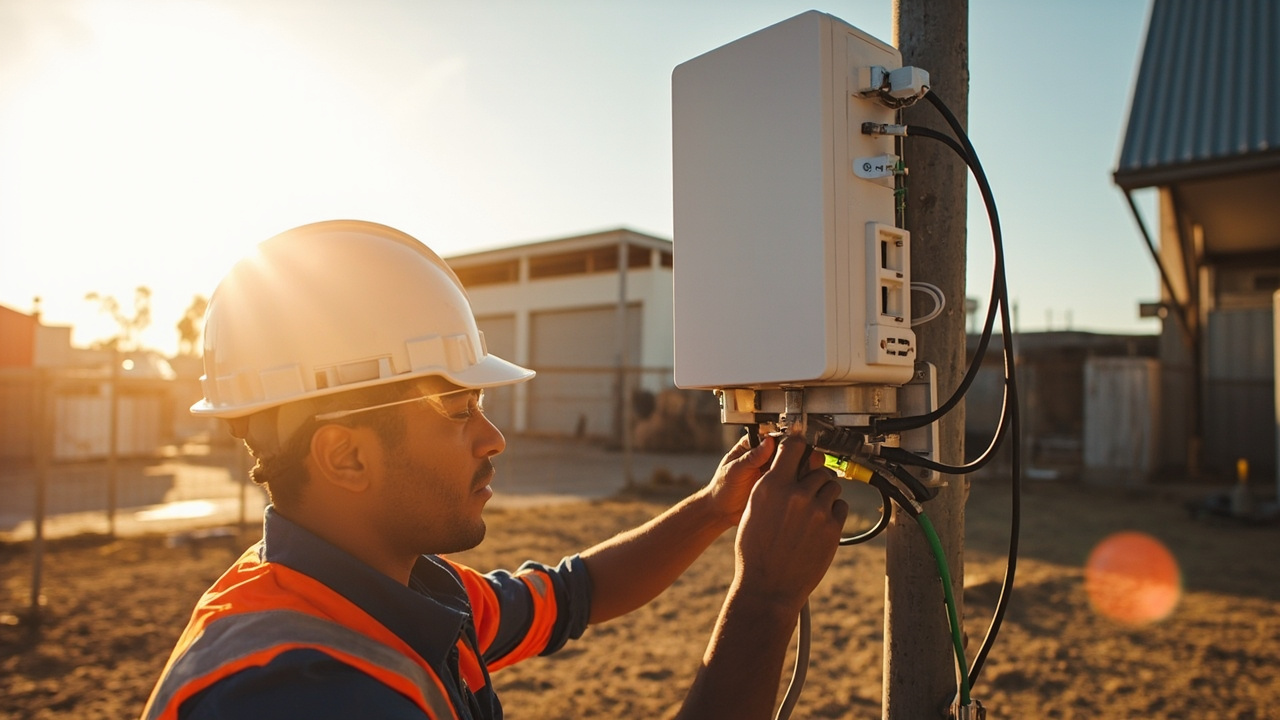 3 Q&A
Power over Ethernet Deployments
3 Q&A
Power over Ethernet Deployments
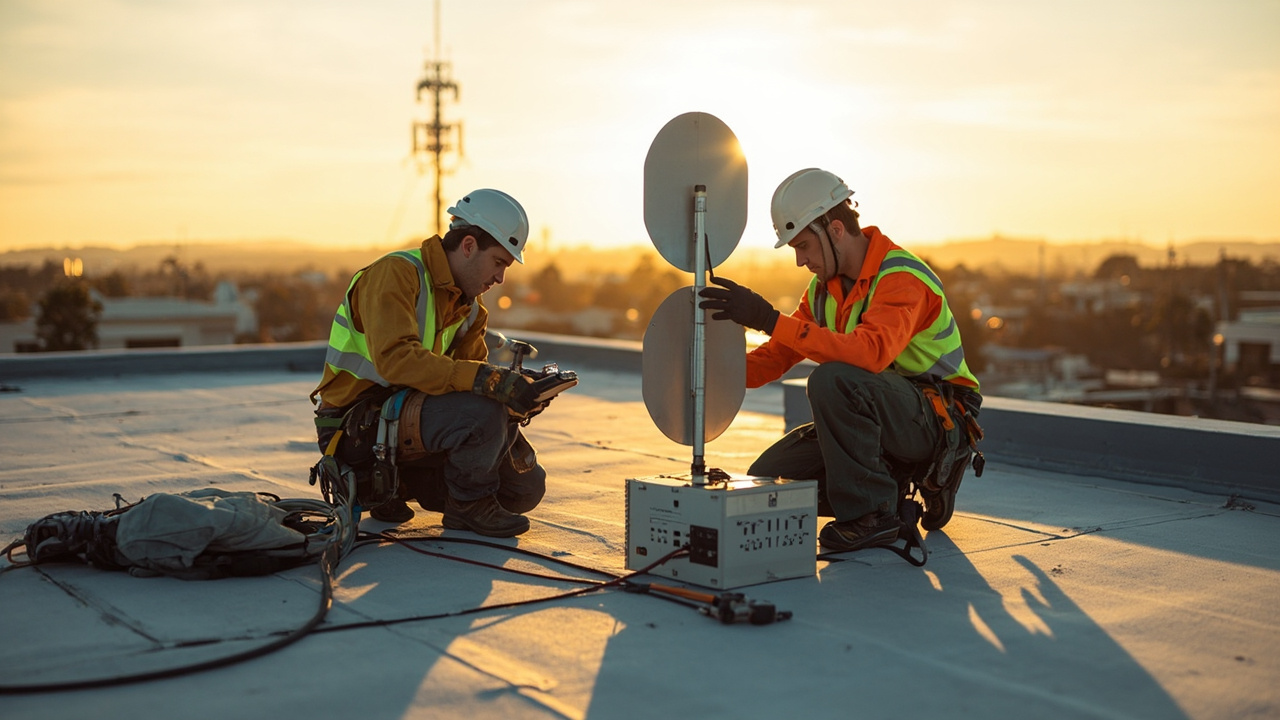 5 Q&A
Cellular Antennas and MIMO
5 Q&A
Cellular Antennas and MIMO
 3 Q&A
Antenna Placement and Coaxial Cable Loss
3 Q&A
Antenna Placement and Coaxial Cable Loss
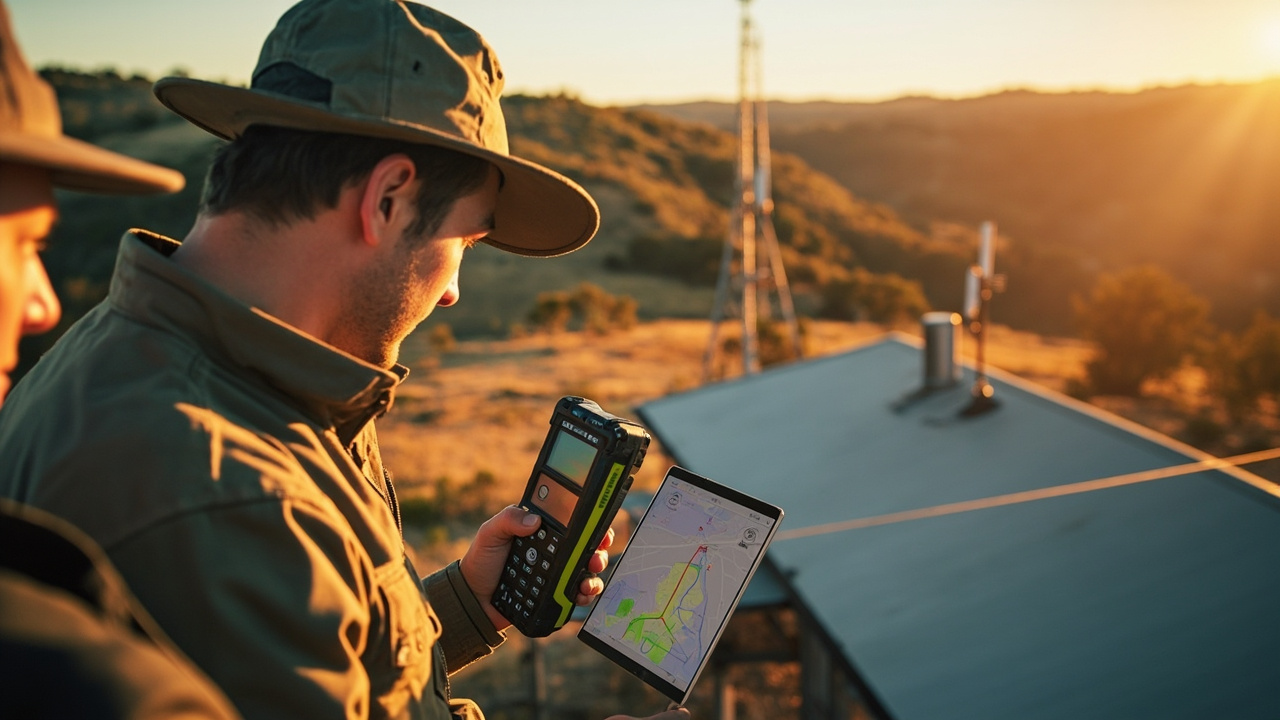 15 Q&A
Cell Tower Location and Signal Testing
15 Q&A
Cell Tower Location and Signal Testing
 5 Q&A
Australian Carrier Bands and Compatibility
5 Q&A
Australian Carrier Bands and Compatibility
Define the plan with the services that must stay online and how you’ll measure success. List the exact failover scenario (disconnect the primary WAN) and the expected outcomes for critical apps, VPN access, and remote management over cellular. Assign ownership and a date, and specify the data and APN checks you’ll perform on the backup SIM. If external antennas are part of the setup, include a verification step for antenna viability. Finally, record result…
Machine-to-Machine and IoT Connectivity · 2026-10-06 How should we decide between pooled data plans and site-specific plans?Pooled plans can reduce waste when sites vary a lot in usage, but tracking which site consumes what and charging back costs can be more complex. Site-specific plans make cost attribution straightforward and let each site stay within its own budget, but unused allowance at one site can push up overall costs and reduce flexibility. Practical steps to decide: estimate total data usage and distribution across sites, model costs under each option, run a short p…
Choosing an Industrial Router · 2026-10-05 Can you give me a simple checklist to confirm if the issue is the router, the antenna, or both?Here's a practical checklist you can use to tell if the problem is the router, the antenna, or both. Start with the baseline: keep the same SIM, test at the same site/location, and use the same devices so the results are comparable; then compare by swapping components in a controlled way: 1) verify the baseline by checking that the router registers and maintains a data path with the current antenna; 2) swap in a known-good antenna (same cable length and mo…
 14 Q&A
Router Comparison and Model Selection
14 Q&A
Router Comparison and Model Selection
 10 Q&A
Machine-to-Machine and IoT Connectivity
10 Q&A
Machine-to-Machine and IoT Connectivity
 11 Q&A
Industrial Automation Connectivity
11 Q&A
Industrial Automation Connectivity
 3 Q&A
Building Automation Connectivity
3 Q&A
Building Automation Connectivity
 10 Q&A
Security and Surveillance Connectivity
10 Q&A
Security and Surveillance Connectivity
Find the router’s supported bands by checking the model’s technical specs or the admin interface: look for a Bands or LTE bands section in the device status or network settings. Verify your router firmware version supports those bands as described in the spec, since older firmware may not cover all carriers. Then obtain your SIM carrier’s frequency bands from their service documentation and compare the two lists to see if there’s a mismatch. If bands align…
Comset Supply Support Warranty and Resellers · 2026-10-03 What exact information do you need to map the old model’s function to a current alternative?To map the old model’s function to a current alternative, we need to understand the job that model was doing and which features mattered most—interfaces, radio capability, and management options. This helps ensure the new platform covers the same functional space, even if the hardware details are different. Typically we’ll ask for: the exact model name and firmware, the site application and data expectations, required interfaces (Ethernet, Wi‑Fi, serial, G…
Cellular Antennas and MIMO · 2026-10-02 How do I know if I should choose 2x2 or 4x4 antennas for my site?Antenna count depends on the router's MIMO capability and the bands you need to support. Two antennas are common for 2x2 MIMO, four for 4x4. The SIM count does not automatically map to RF paths. Check your model's recommended antenna arrangement and the bands you will use at your site. Ensure you follow the model's guidance for antenna spacing and connection types, and remember that more gain isn't always better if site conditions or cables introduce losse…
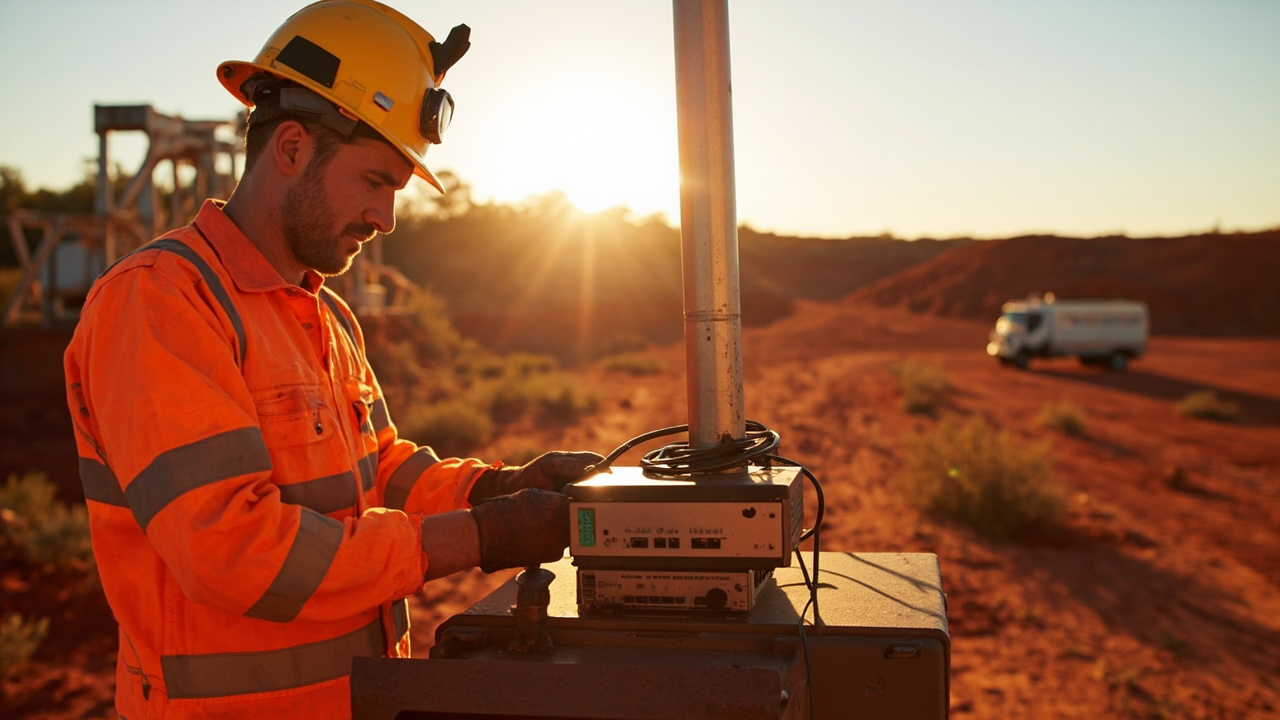 3 Q&A
Mining Energy and Remote Sites
3 Q&A
Mining Energy and Remote Sites
 5 Q&A
Transport Fleet and Mobile Deployments
5 Q&A
Transport Fleet and Mobile Deployments
 6 Q&A
Marine and Vessel Connectivity
6 Q&A
Marine and Vessel Connectivity
 4 Q&A
Environmental and Agricultural Monitoring
4 Q&A
Environmental and Agricultural Monitoring
 14 Q&A
Router Setup APN and Configuration
14 Q&A
Router Setup APN and Configuration
Failover tests should mirror real outages and cover the services you depend on. Common pitfalls include assuming failover works just because a SIM registers or shows signal strength, not exercising actual traffic or critical applications, and not validating how long recovery takes or how VPN and remote access behave after the switch. Other frequent misses are testing at the wrong site conditions, skipping alert delivery checks, and not documenting the exac…
Cellular Antennas and MIMO · 2026-10-01 How do I decide how many external antennas to connect for my site?Antenna count is tied to the router MIMO configuration and the bands you need to support. Two antennas are common for 2x2 MIMO, while four may be used for higher-performance 4x4 MIMO. The number of SIMs does not automatically map to number of RF paths. Check your model's recommended antenna arrangement and the bands you will use at your site. Ensure you follow the model's guidance for antenna spacing and connection types, and recognize that more gain isn't…
Industrial Automation Connectivity · 2026-09-30 Should I also test VPN access during failover to ensure remote control stays reachable?Yes. Include VPN continuity as part of your end-to-end failover tests. Verify that the remote-management VPN tunnel remains usable when the active WAN path switches or re-routes, and that control endpoints stay reachable on the backup path. During testing, check session restoration timing, authentication, and any re-keying events. Log failover events, IP/address changes, and VPN reconnect metrics, and adjust firewall or routing rules if needed to keep remo…
 8 Q&A
Firmware Diagnostics and Troubleshooting
8 Q&A
Firmware Diagnostics and Troubleshooting
 13 Q&A
Comset Supply Support Warranty and Resellers
13 Q&A
Comset Supply Support Warranty and Resellers
 16 Q&A
Choosing an Industrial Router
16 Q&A
Choosing an Industrial Router
 9 Q&A
5G Industrial Routers
9 Q&A
5G Industrial Routers
 21 Q&A
4G LTE and 4GX Routers
21 Q&A
4G LTE and 4GX Routers
Start with a staged site that mirrors your actual control room setup. Confirm the router can expose the interfaces you need (Ethernet, serial, VPN) and that devices can reach the control room endpoint using the intended protocol. Validate the PLC or industrial controller will communicate over the chosen path and that addressing and port requirements are understood. Set up monitoring and validation for the path: verify correct IP addressing, static routes, …
Dual SIM and Carrier Redundancy · 2026-09-29 How can I test failover in a real site before going live?Plan a staged test that mirrors your site: verify both SIMs register, obtain their APNs, and pass traffic to the critical endpoints you use in production. Simulate failures: block the primary WAN, create a weak signal, or disable mobile data, and watch how the router switches paths. Confirm alerts are received and that active sessions, VPNs and remote access survive or recover cleanly after the switch. Document the configuration and test results: health ch…
4G LTE and 4GX Routers · 2026-09-28 Which Comset models in my range support Band 28?Band 28 support is model- and firmware-dependent, so not every Comset router in your range will have it. We'll verify the exact Band 28 presence for each candidate and confirm that the model also carries the other bands your carrier uses. To identify which models actually support Band 28, please share the list of models you’re evaluating, their current firmware versions, and the carrier/band usage at your site. Once we know, we can present a concise model-…
 10 Q&A
Dual SIM and Carrier Redundancy
10 Q&A
Dual SIM and Carrier Redundancy
 3 Q&A
Outdoor Routers and Harsh Environments
3 Q&A
Outdoor Routers and Harsh Environments
 12 Q&A
Cellular Backup for NBN and Fixed WAN
12 Q&A
Cellular Backup for NBN and Fixed WAN
 3 Q&A
Load Balancing and Multi-WAN
3 Q&A
Load Balancing and Multi-WAN
 11 Q&A
Wi-Fi Ethernet and LAN Design
11 Q&A
Wi-Fi Ethernet and LAN Design
Start by confirming the exact Comset model's band list and that Band 28 is supported alongside the other bands your carrier uses. Then run a real-site test with the intended SIM at the actual location to see how Band 28 behaves in practice. Set up a small on-site test with the selected router and a representative antenna. Record signal metrics like RSRP, RSRQ, SINR, and the actual throughput you achieve under typical load, across different times of day. Co…
Router Setup APN and Configuration · 2026-09-26 How can I tell if the issue is SIM provisioning or router settings?Start by confirming the SIM is active and provisioned for data, and try the SIM in a known-good device to verify service. If the SIM works in a phone but not in the router, focus on provisioning vs configuration. Check the APN details the router is using and whether automatic APN detection is pulling consumer settings; verify the SIM is not PIN-locked and that the service type (public, private or corporate) matches what the router expects. If there is stil…
Wi-Fi Ethernet and LAN Design · 2026-09-24 Can you estimate how many APs I need from a floor plan?Yes. If you share your floor plan and what you expect to cover, we can propose a practical AP topology and give a starting AP count. We consider floor area, user/device density, obstructions (walls, metal, stairs), and whether wired backhaul is feasible. We also plan for backhaul capacity, roaming behavior, and VLAN-based segmentation. If you want to kick off quickly, send the floor plan and we can outline a sensible AP count and topology for your site.